About Paid Screen Tone Materials
3D Manga Studios provides optional paid screen tone materials to broaden your expression. These are sold as paid assets on SUPERHIVE (formerly Blender Market). By purchasing, you can achieve richer manga styles.
Notes
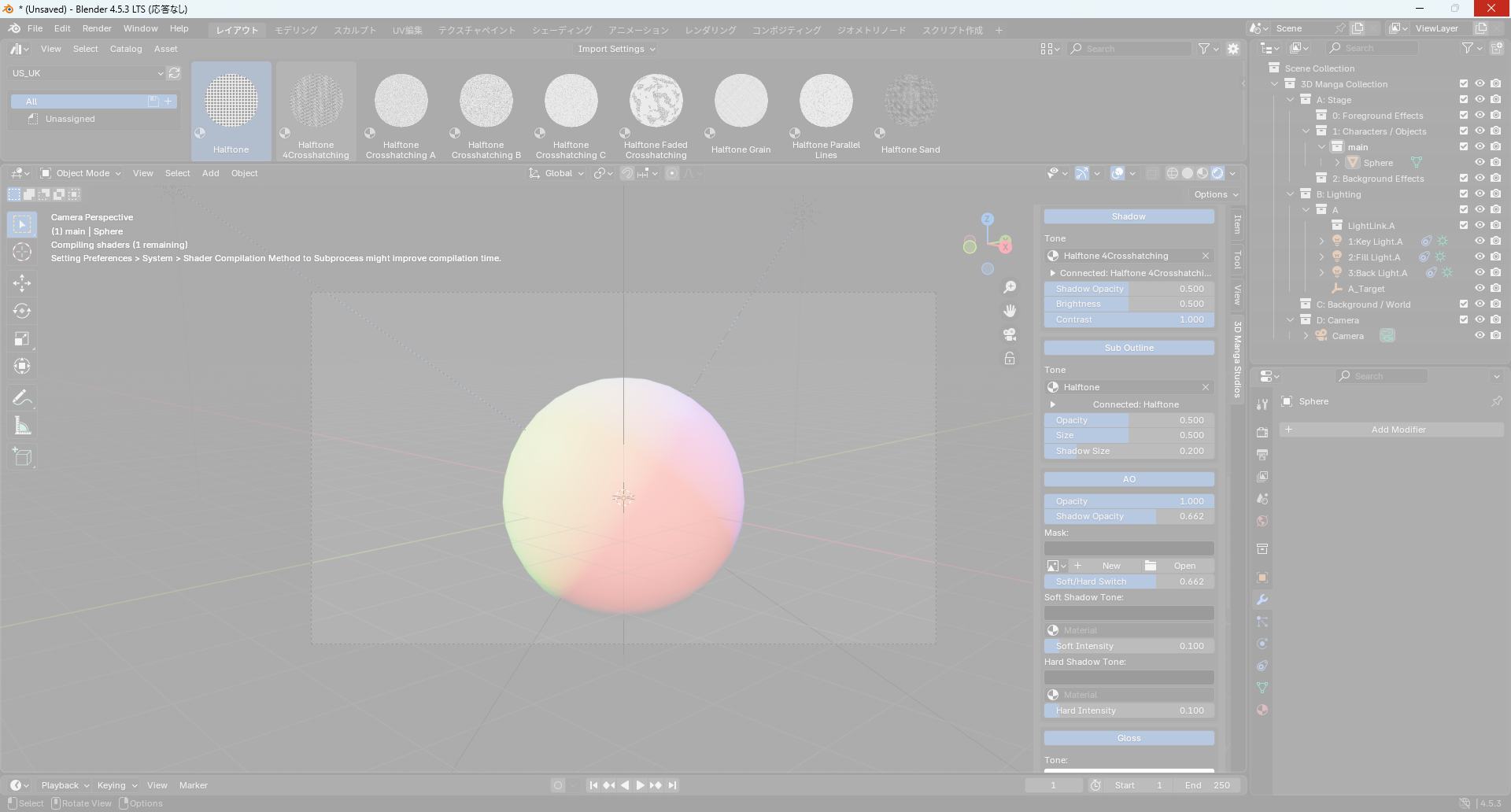
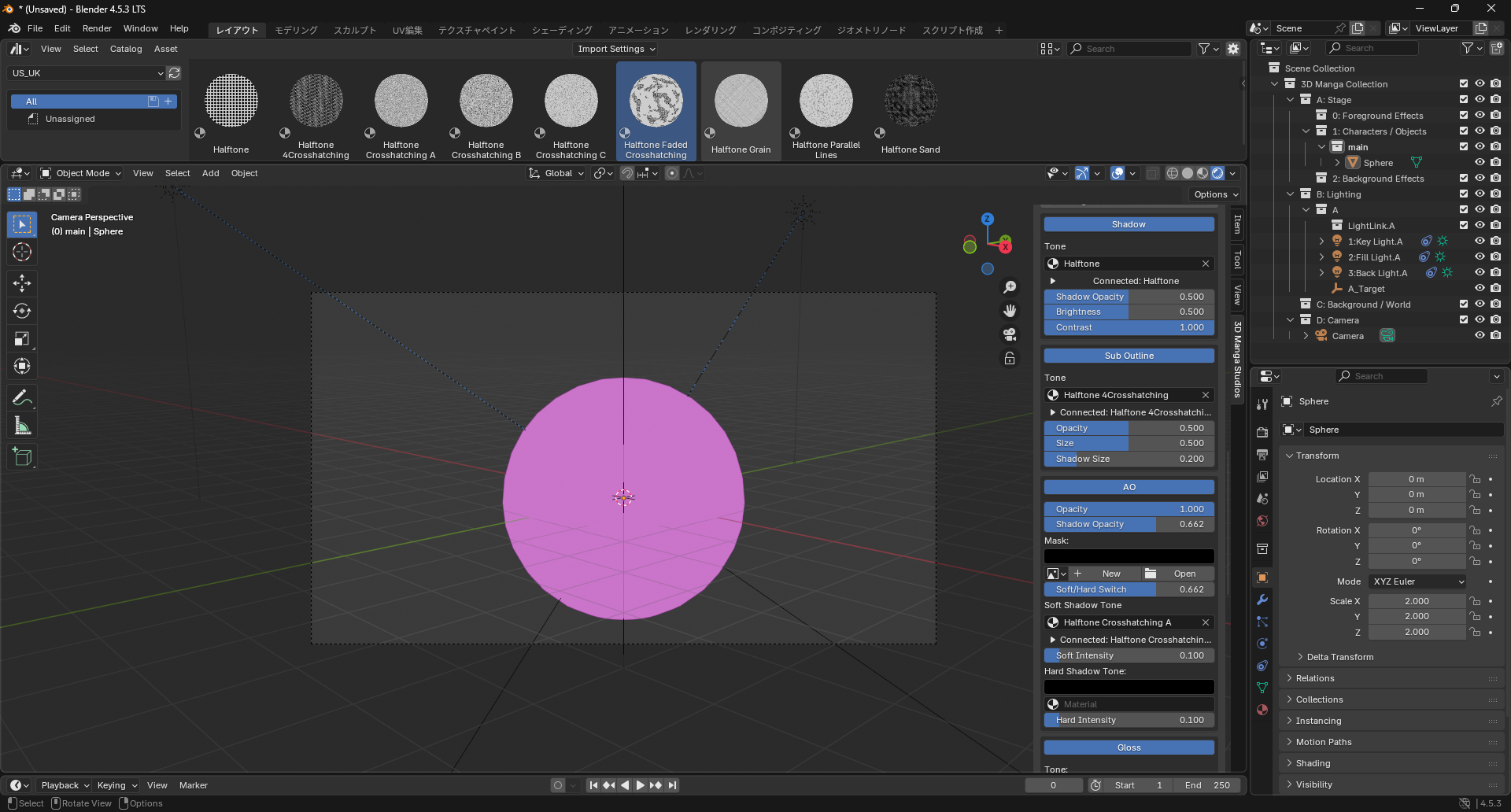
- You can use non-dedicated materials, but Manga Tone Shader effects may not work correctly and the following issues could occur:
| Freeze | Broken material |
|---|---|
 |
 |
- Blender may freeze
- Materials may fail to display (pink/purple)
For stability, using the dedicated materials is strongly recommended.
Registering Screen Tone Materials to the Asset Browser
- Extract the downloaded "Manga Tone Shaders.zip".
-
The structure will be:
Manga Tone Shaders/ ├──── ★Shader Screen tones/ │ ├──── JP/ │ │ └──── Screen shader tones/ │ │ ├── Screen shader tones.blend │ │ └── Readme_JP.txt │ └──── US_UK/ │ └──── Screen shader tones/ │ ├── Screen shader tones.blend │ └── Readme_JP.txt ├──── ★UnShader Screen tones/ │ ├──── JP/ │ │ └──── Screen tones/ │ │ ├── Screen tones.blend │ │ └── Readme_US_UK.txt │ └──── US_UK/ │ └──── Screen tones/ │ ├── Screen tones.blend │ └── Readme_US&UK.txt └──────── Manga Tone Shader/ ├── Manga Tone Shader.blend ├── Readme_JP.txt └── Readme_US&UK.txt -
Go to Edit > Preferences.
- Open File Paths tab.
- Scroll to Asset Libraries and click Open Folders.
- In the extracted folder, open the "★UnShader Screen tones" folder, then choose JP (Japanese) or US_UK (English) and select the path under "Screen tones". Click Open Folder.
- Save preferences and close.
- Split an area and change the editor to Asset Browser.
- From the Library dropdown, select the newly registered "Screen tones" library.
Screen Tone Materials List
Available dedicated screen tones:
| Material | Preview | Description |
|---|---|---|
| Faded Crosshatch Tone | 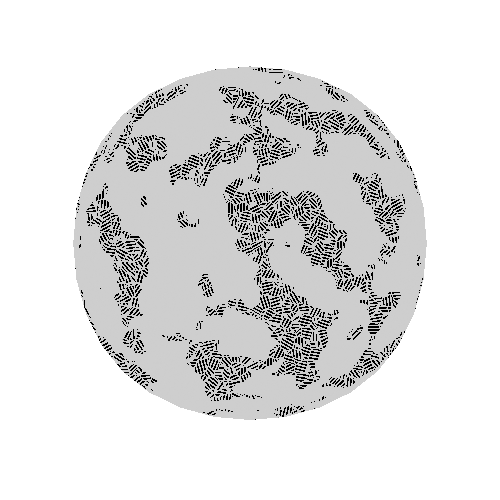 |
Crosshatch with faded analog feel. |
| Halftone Dots | 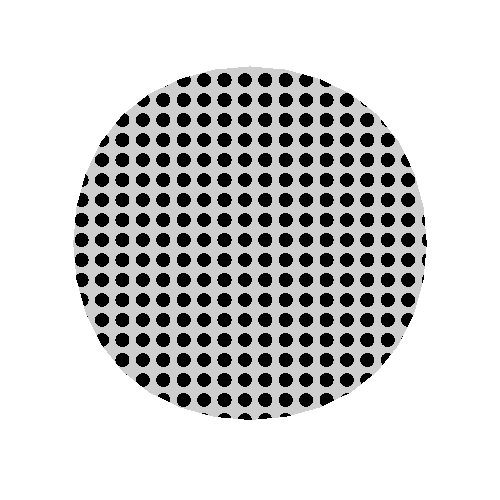 |
Basic halftone dots for shadows or clothing patterns. |
| Hatch Tone A | 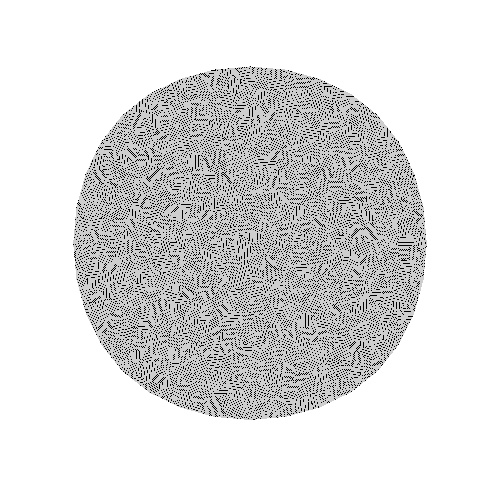 |
Simple diagonal hatch. |
| Hatch Tone B | 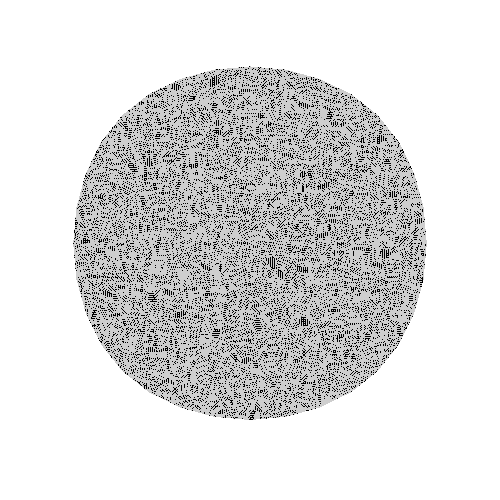 |
Denser than Hatch A. |
| Hatch Tone C | 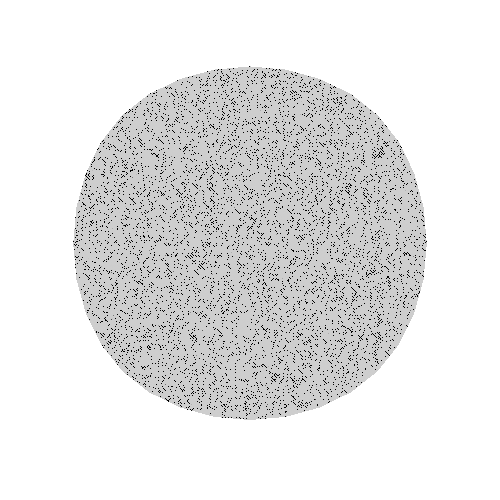 |
Even denser; suitable for darker shadows. |
| Noisy Halftone | 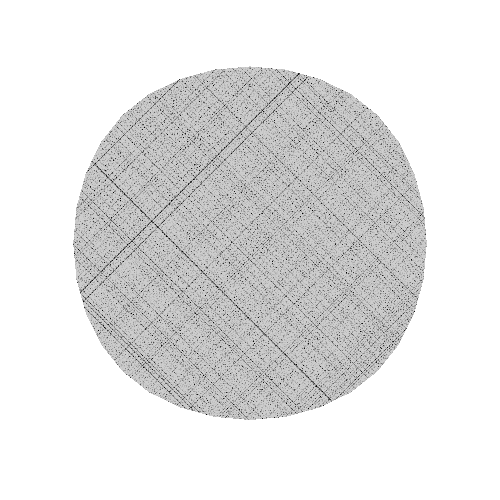 |
Irregular noisy halftone for gritty feels. |
| Parallel Lines Tone | 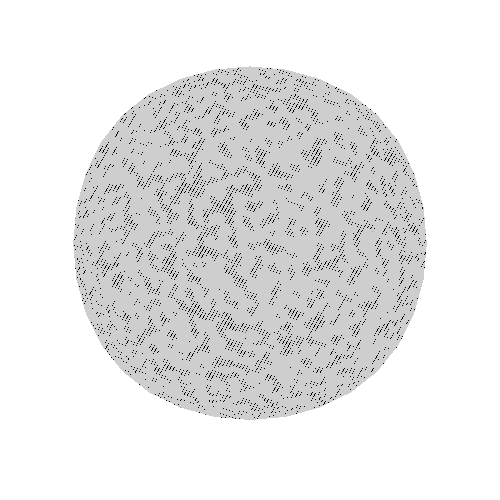 |
Parallel lines; good for backgrounds and speed effects. |
| Sand Grain Tone | 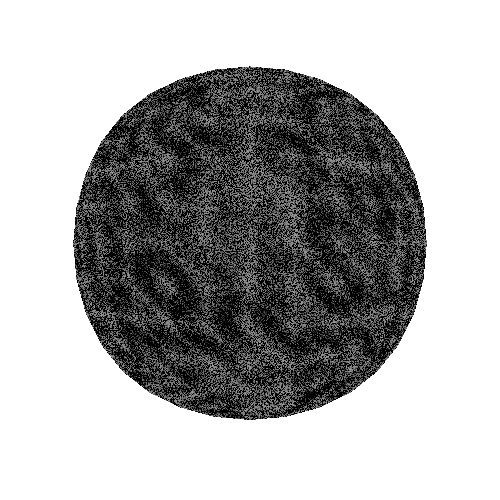 |
Sand-like grains for rough textures or light shadows. |
| Pencil-like Overlap Tone | 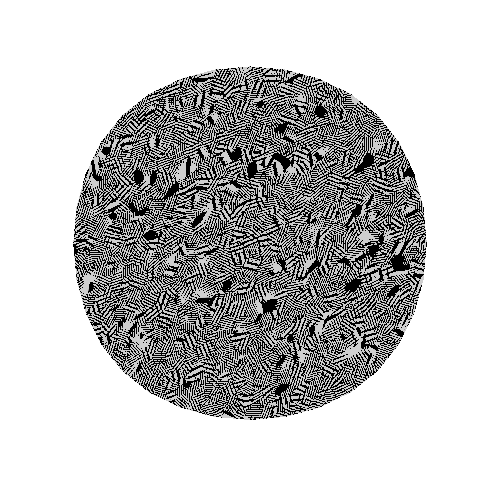 |
Pencil-styled overlapping hatch for hand-drawn looks. |
| 4-Way Hatch Tone | 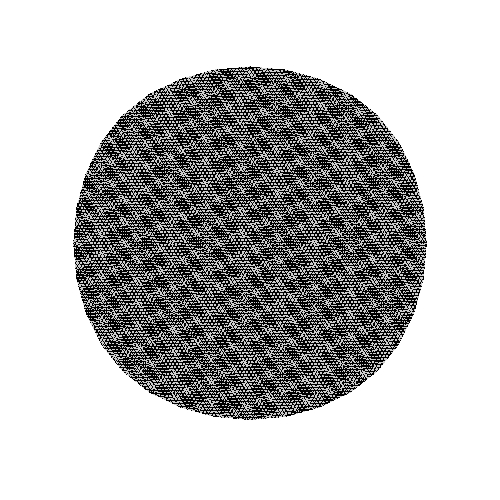 |
Four-way hatch for very dense tone or special textures. |
Using with Manga Tone Shader
These materials work best combined with Manga Tone Shader.
Steps
- Open the Asset Browser.
- Choose a material in the Screen tones library.
-
Open the
Manga Tone Shaderproperties on the object. Drag & drop the material into the drop slot below a target color input (Shadow, Highlight, etc.).Before After 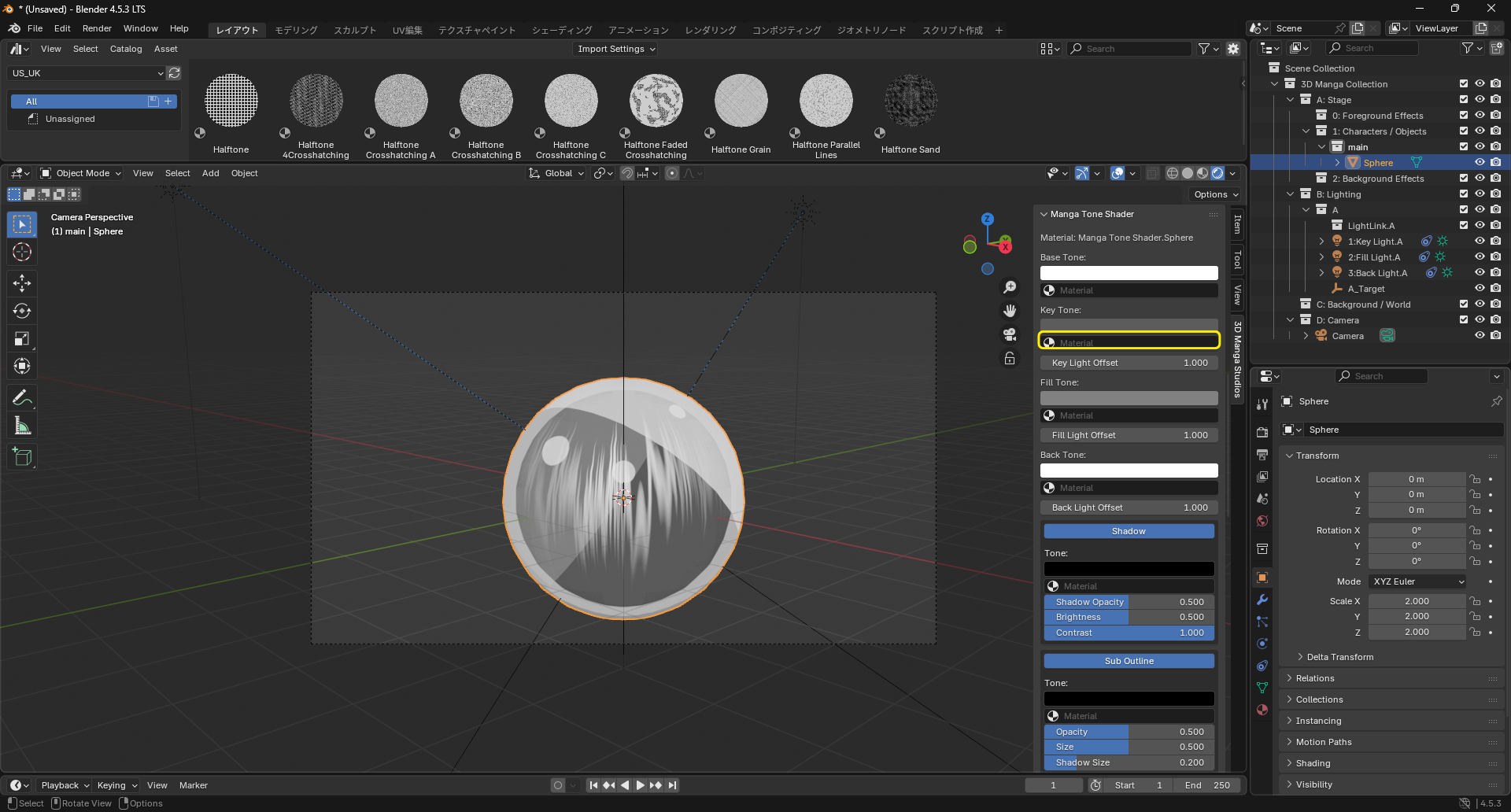
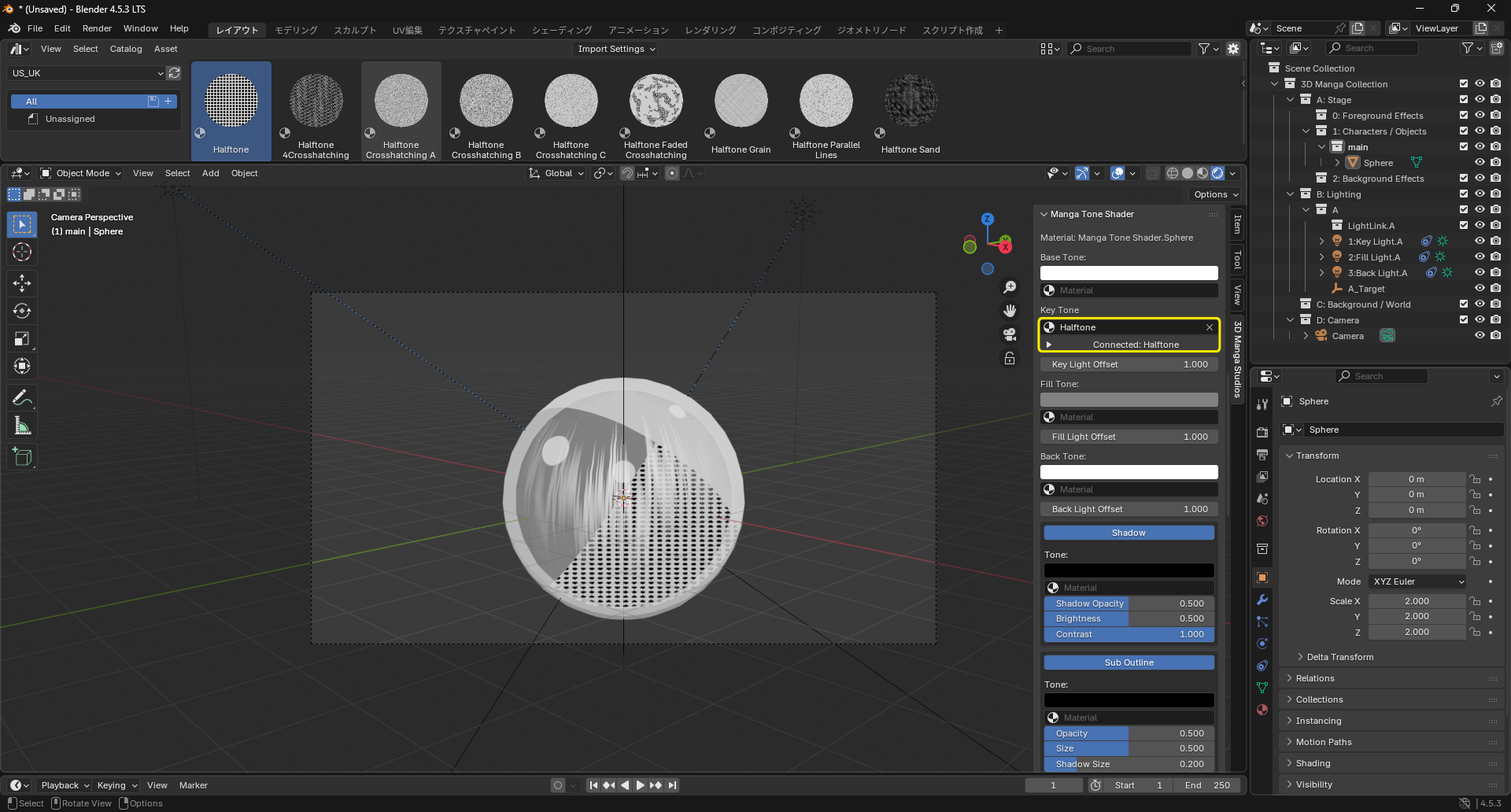
-
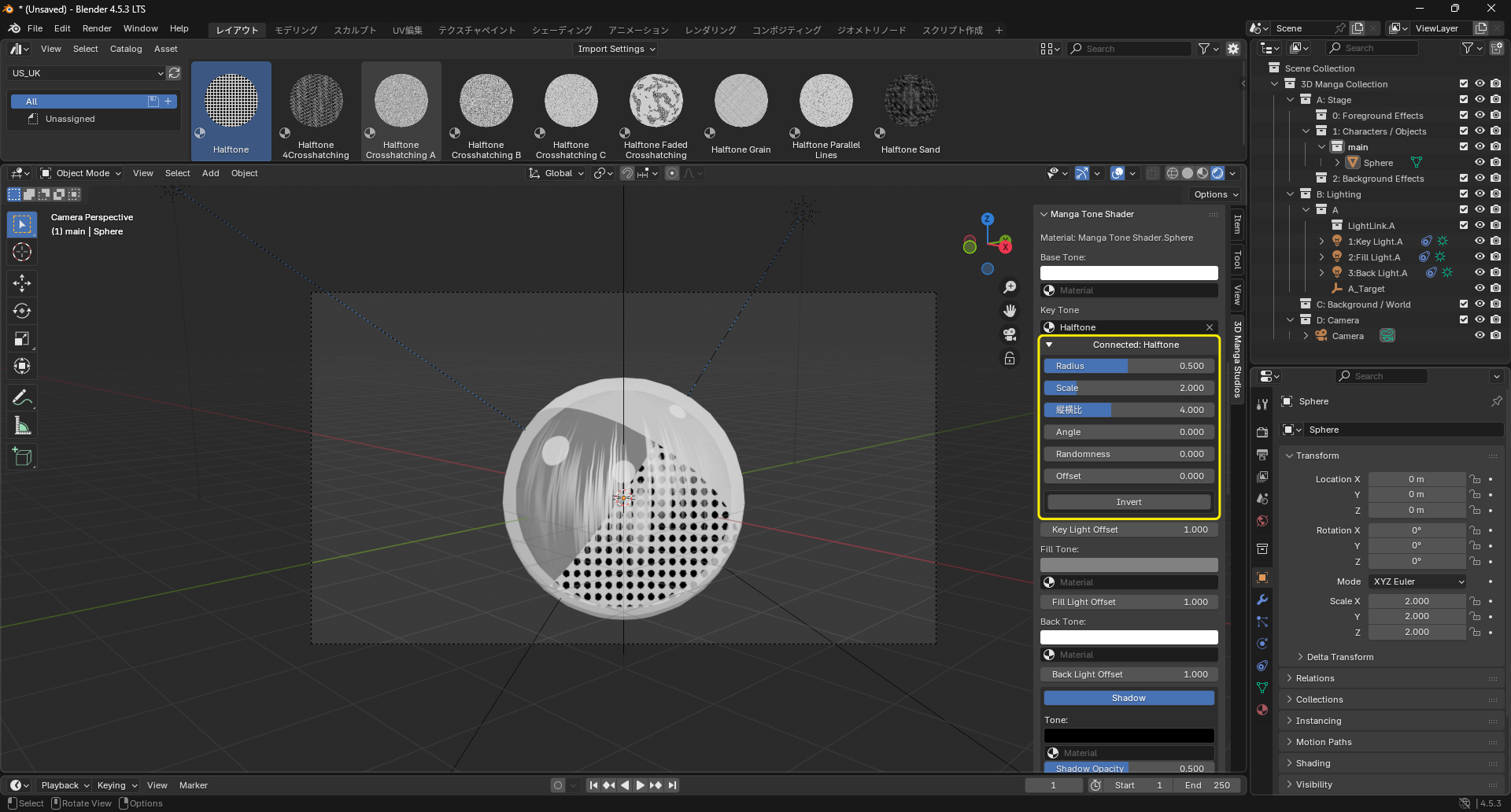
Adjust dropped material properties (scale, rotation, etc.) as needed.
Before After 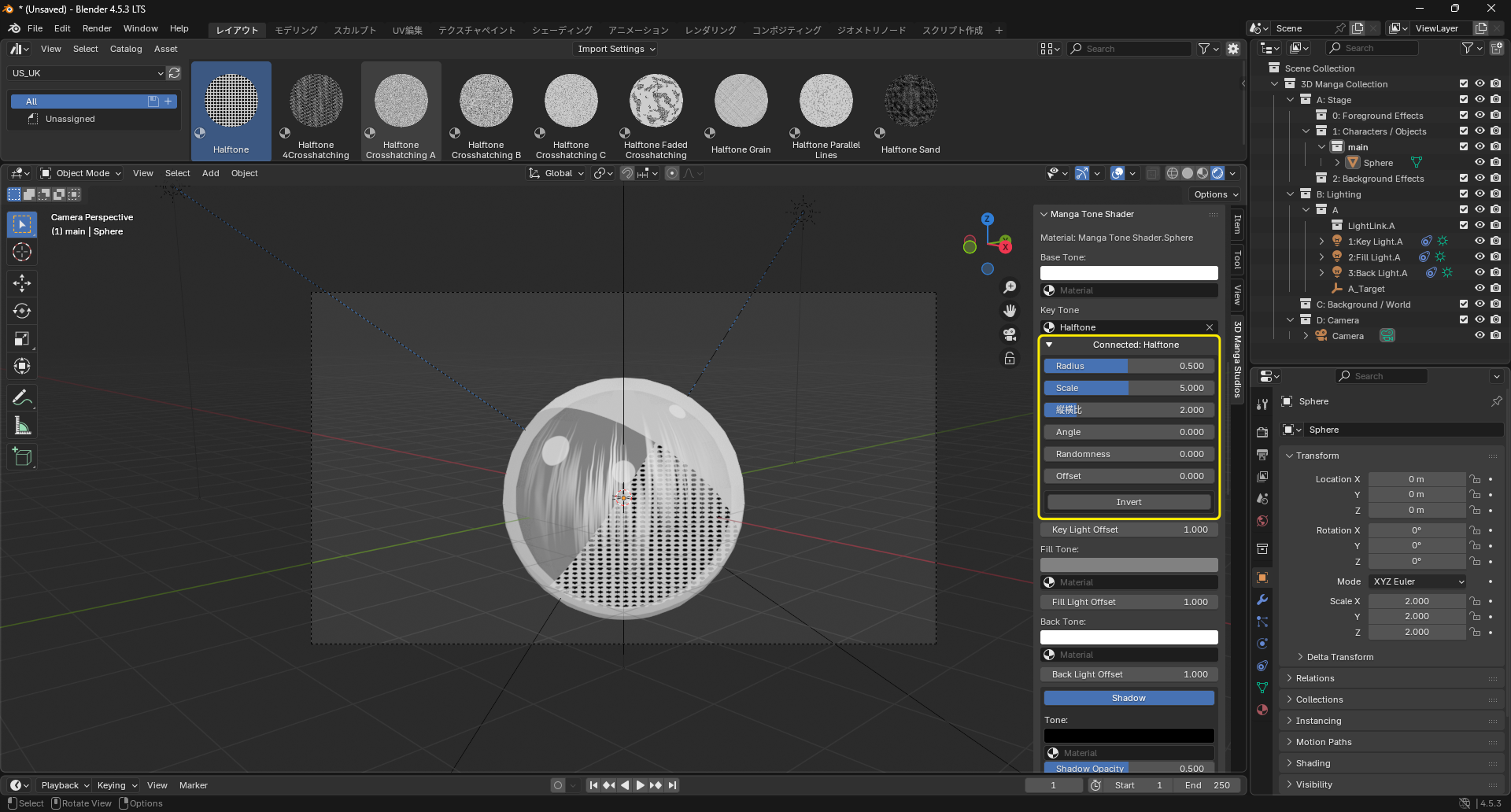
See also: Manga Tone Shader docs.