Create 3D Manga Collection
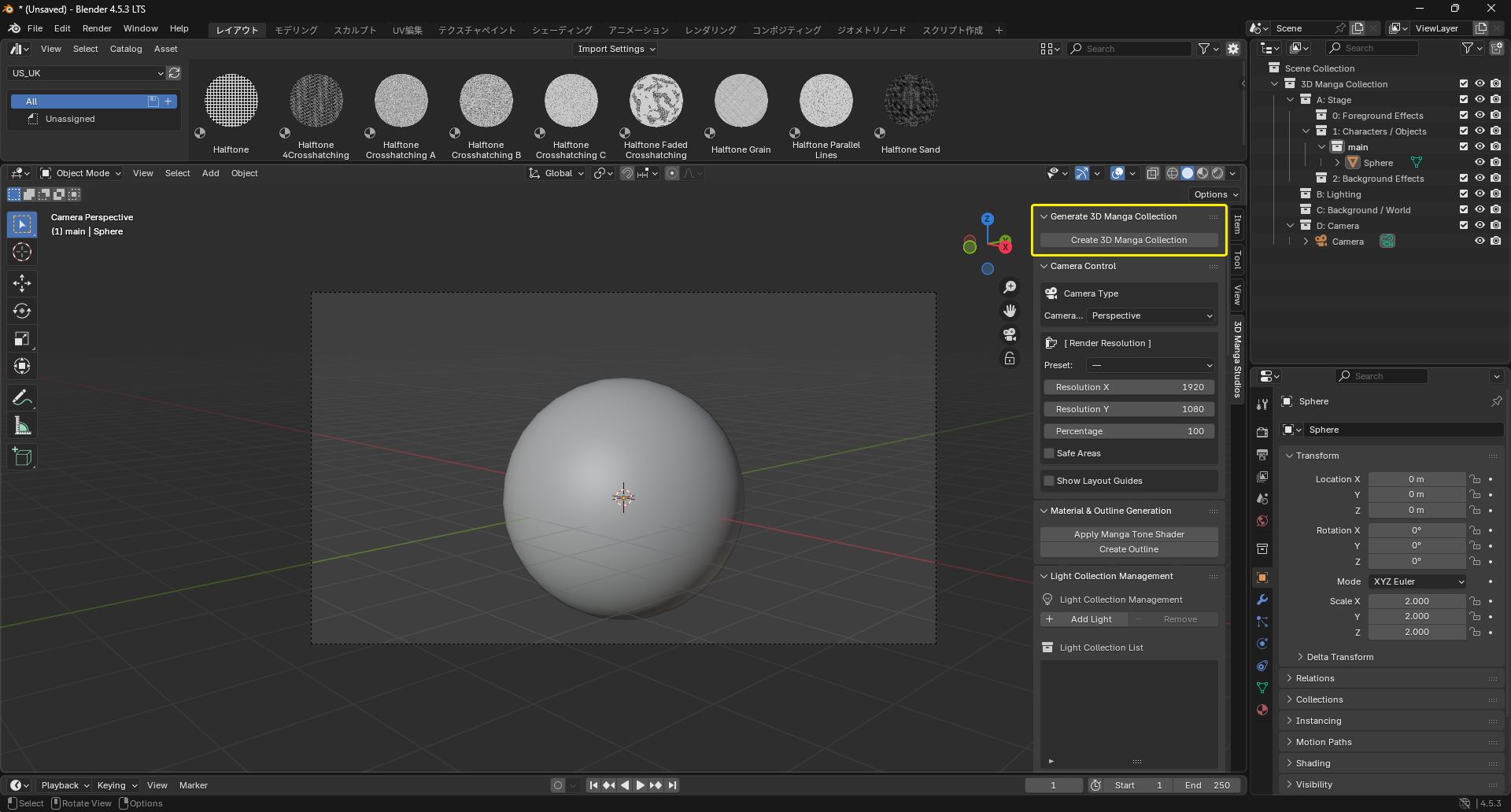
First, automatically build the scene structure for your work.
Steps
- Press N to open the right Side Panel (N-panel) in Blender.
- Select the "3D Manga Studios" tab.
- Click "Create 3D Manga Collection".
-
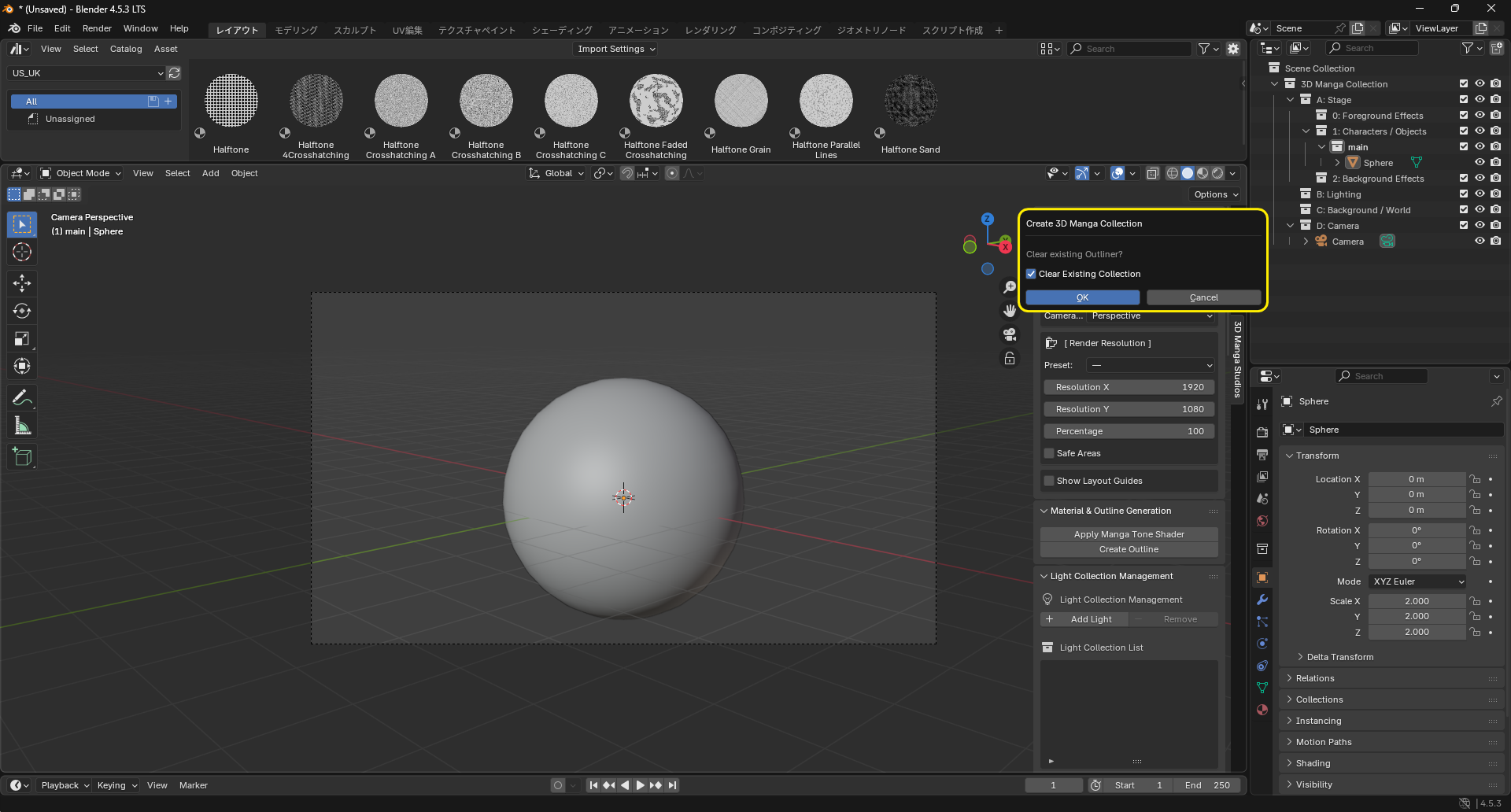
A confirmation dialog appears asking if you want to clear existing collections (Outliner). Choose as needed.
Caution
If you check "Clear existing collections", all collections and objects in the current scene will be deleted. Uncheck it if you need existing data.
-
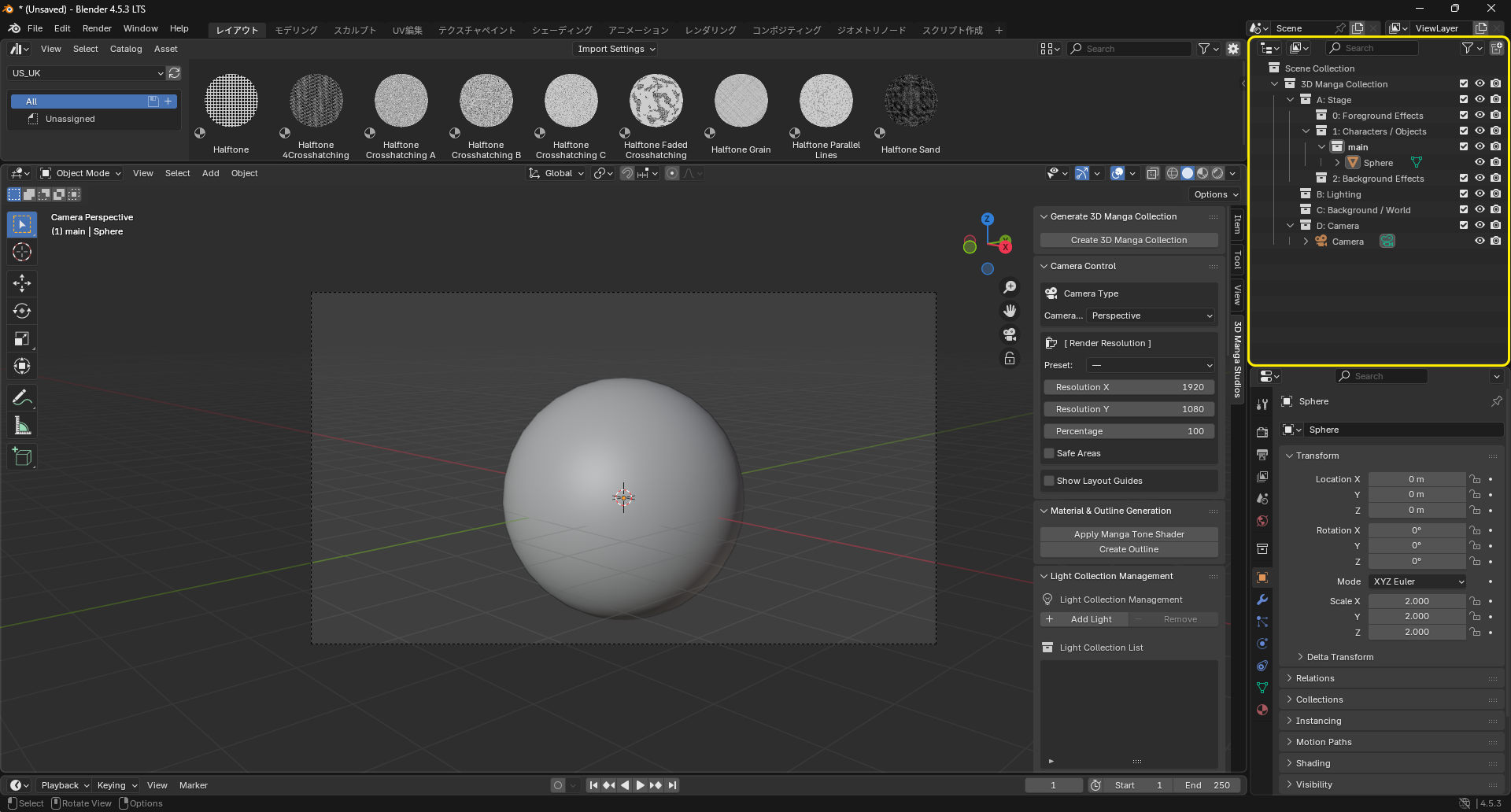
The following collection structure is automatically created.
About the camera
A camera is automatically placed at an optimal position and angle so you can start composing right away.