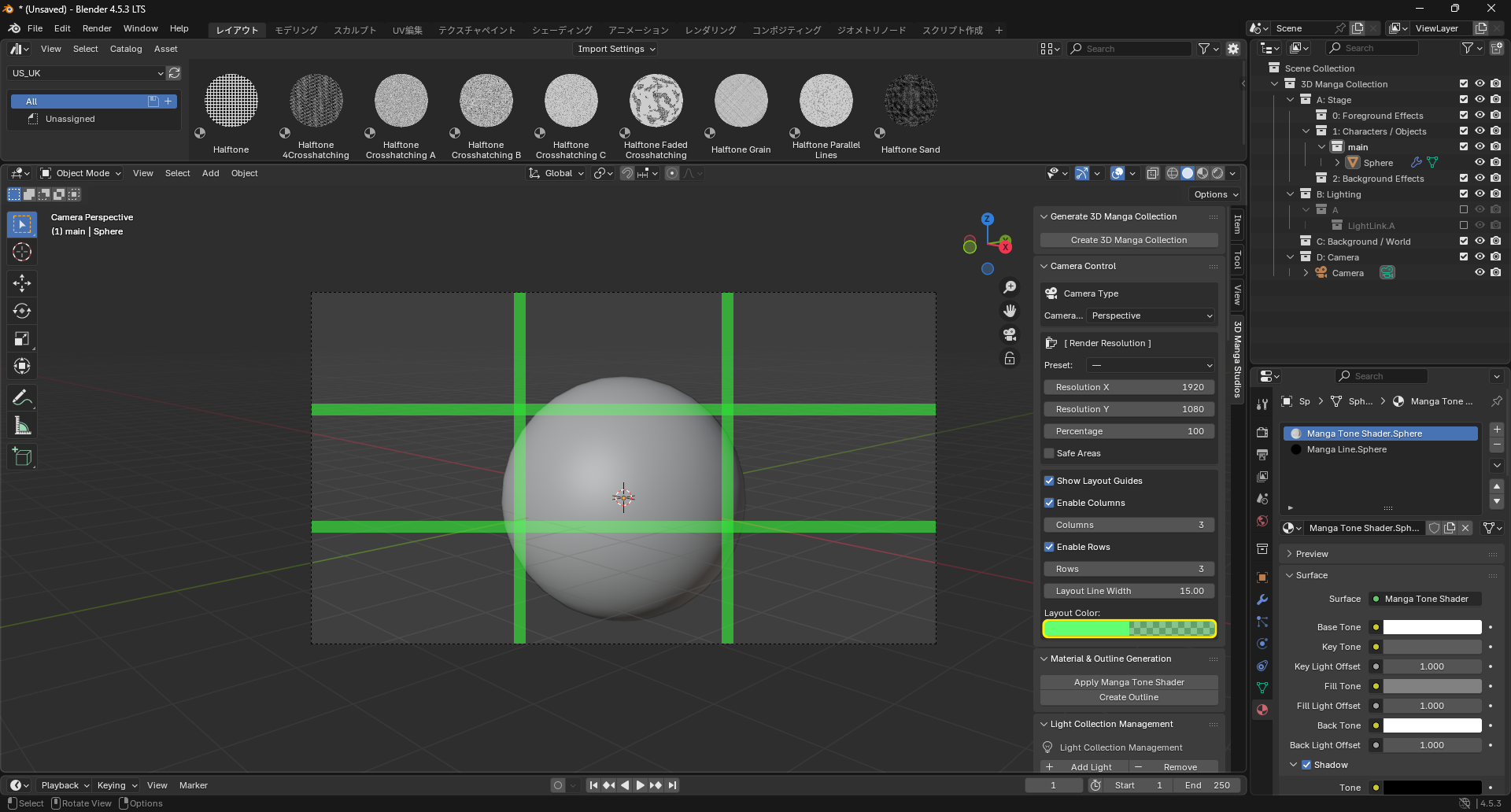
Camera Settings
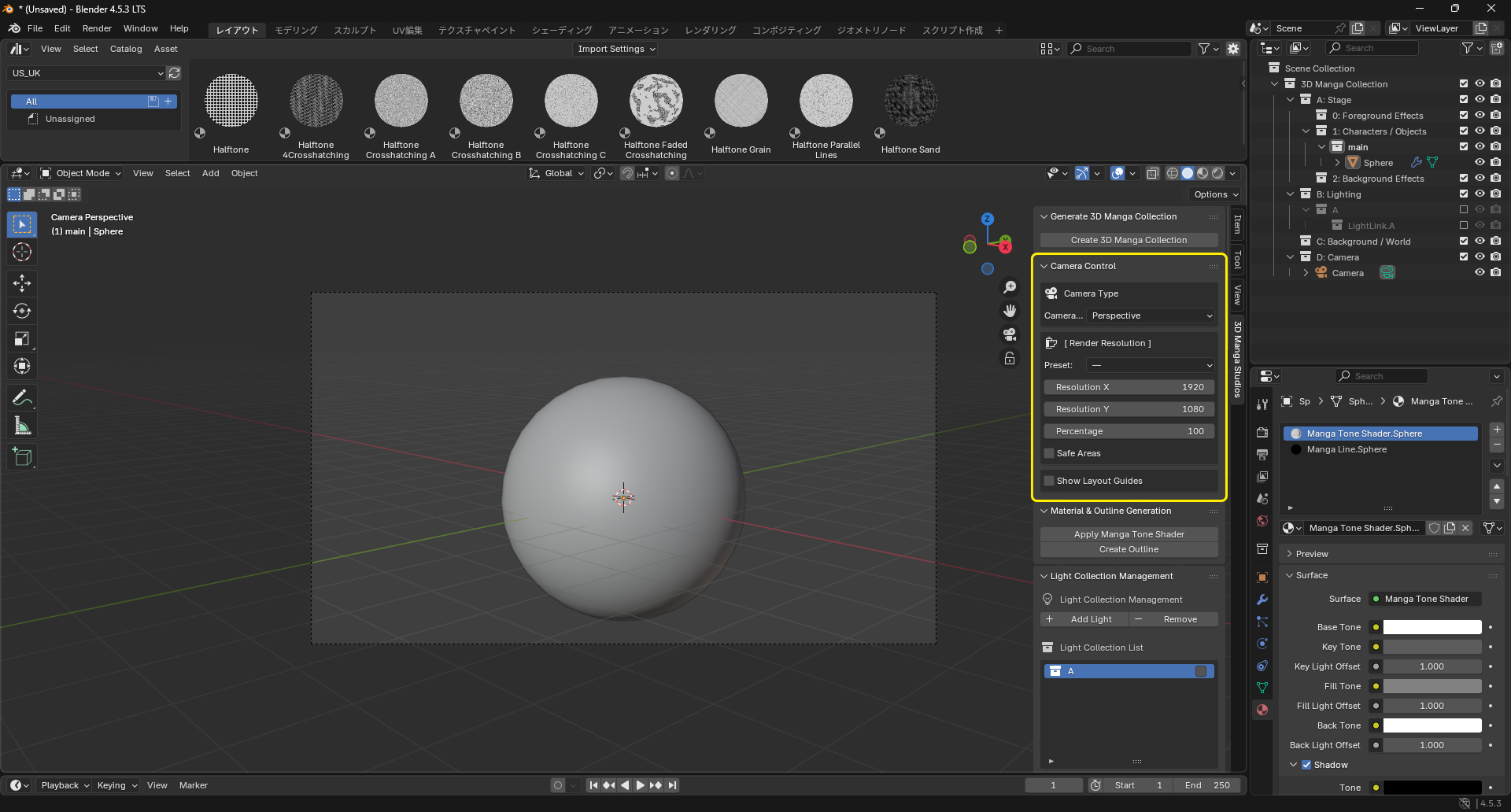
This section describes camera settings.
Steps
Camera Type
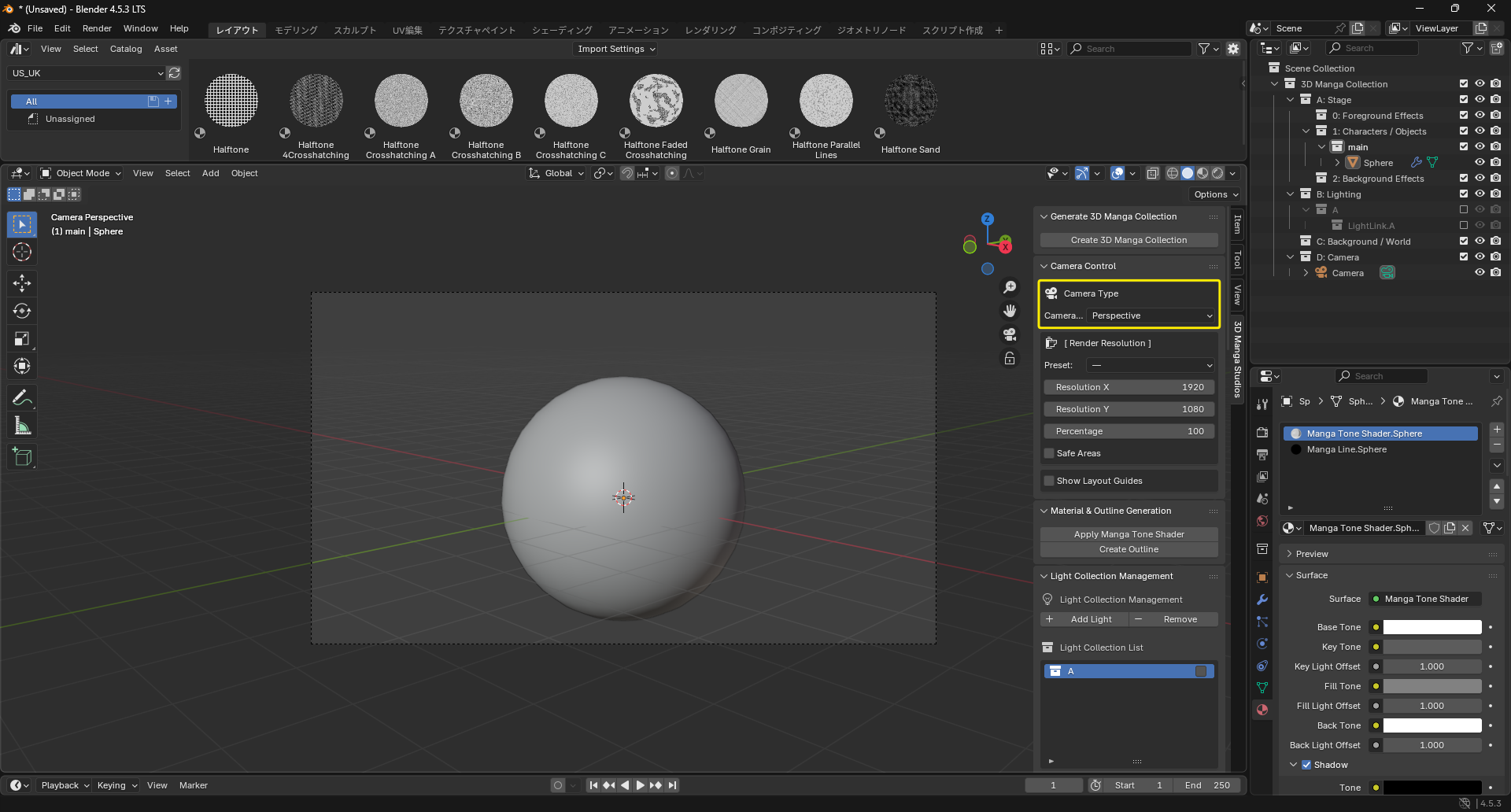
Two projection types are available: Perspective (with depth) and Orthographic (parallel, good for isometric views).
-
Perspective: Great for action scenes and environments; emphasizes depth.
-
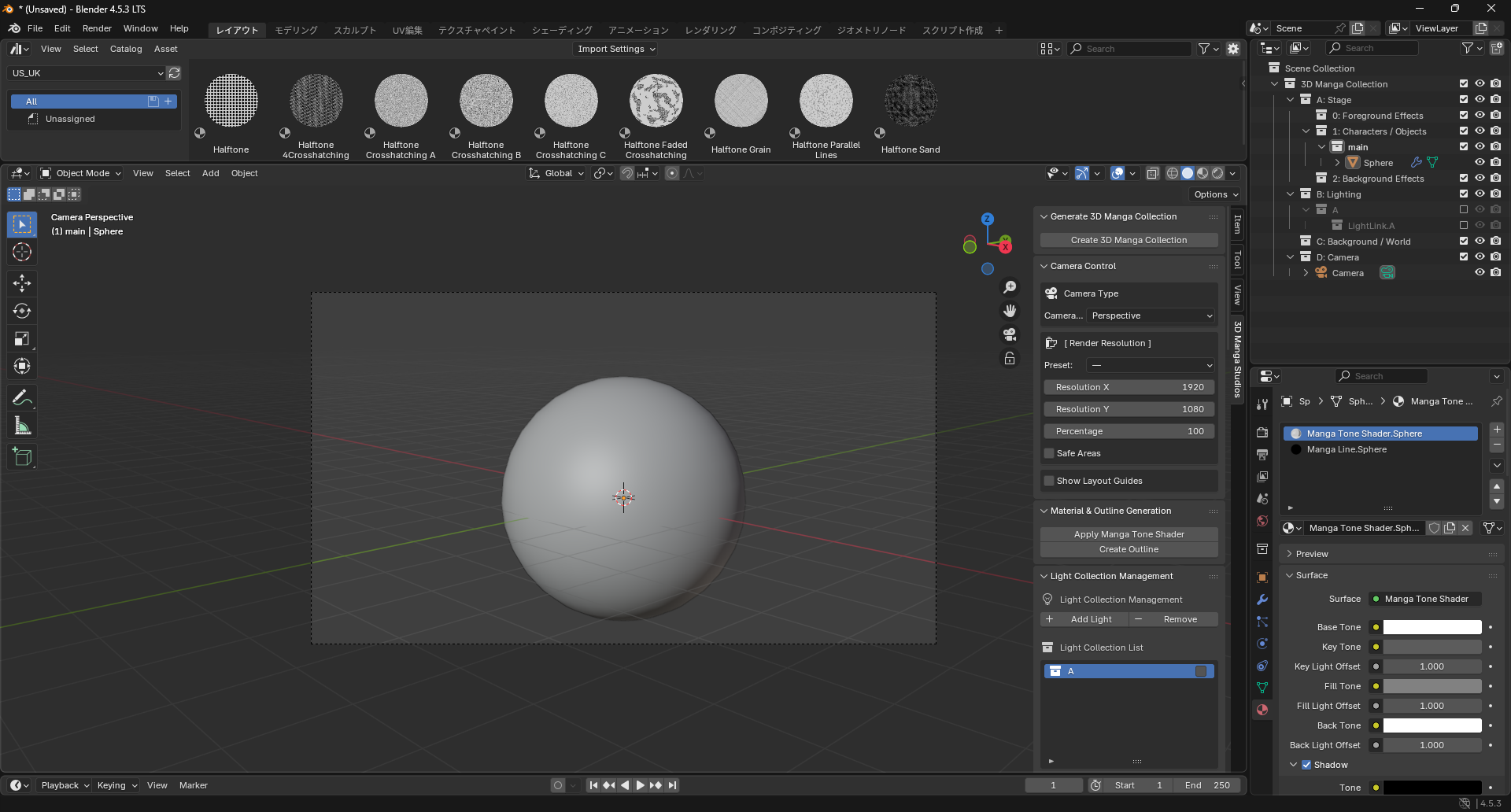
Orthographic: Good for top/side views of characters and backgrounds; no depth, suitable for stylized looks.
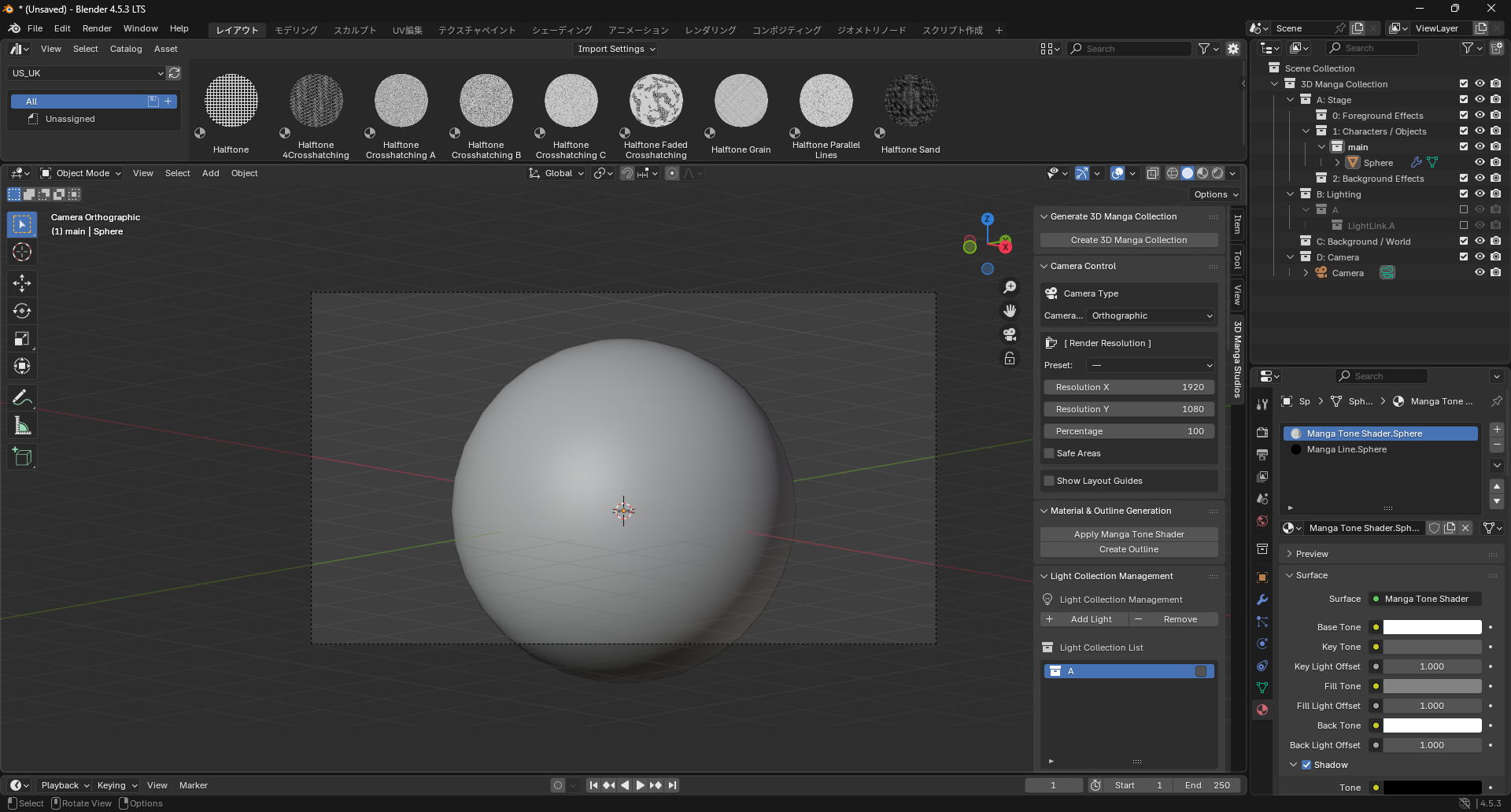
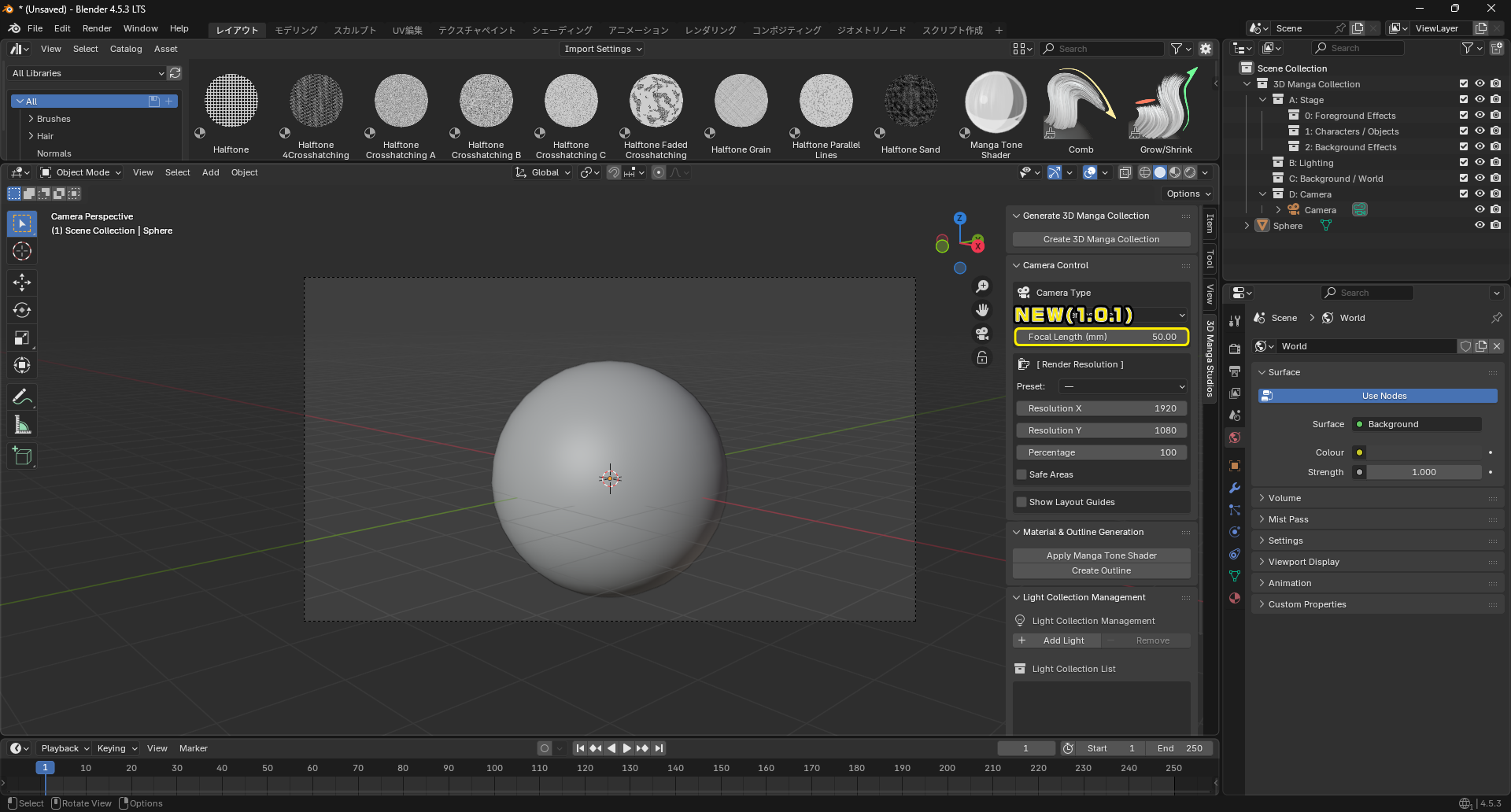
Focal Length and View Scale NEW@1.0.1
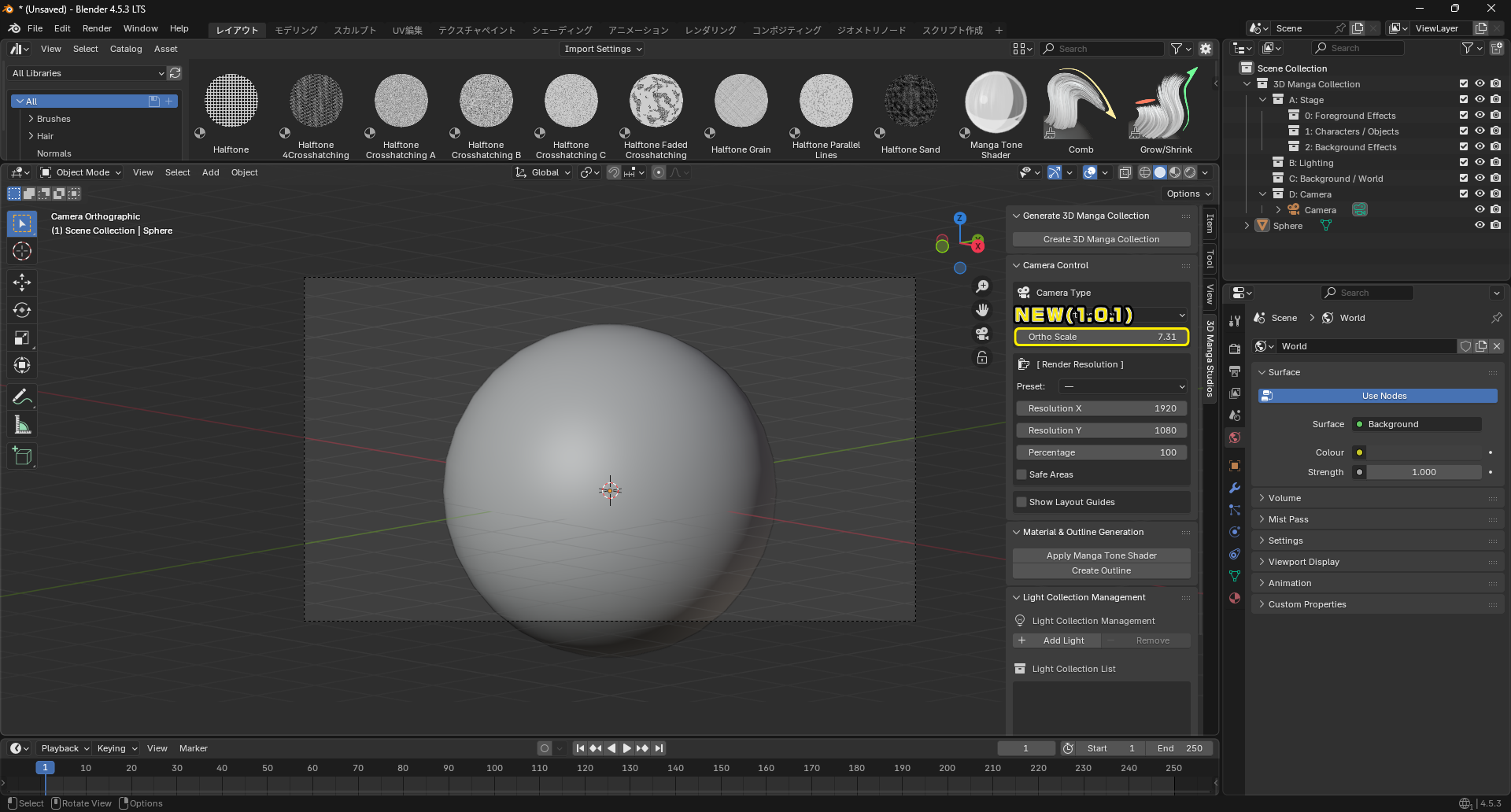
Focal length adjusts the strength of perspective. The shorter the focal length, the stronger the perspective; the longer the focal length, the weaker the perspective. Ortho scale adjusts the magnification. Increasing the scale narrows the visible area, while decreasing the scale widens it.
Camera Size
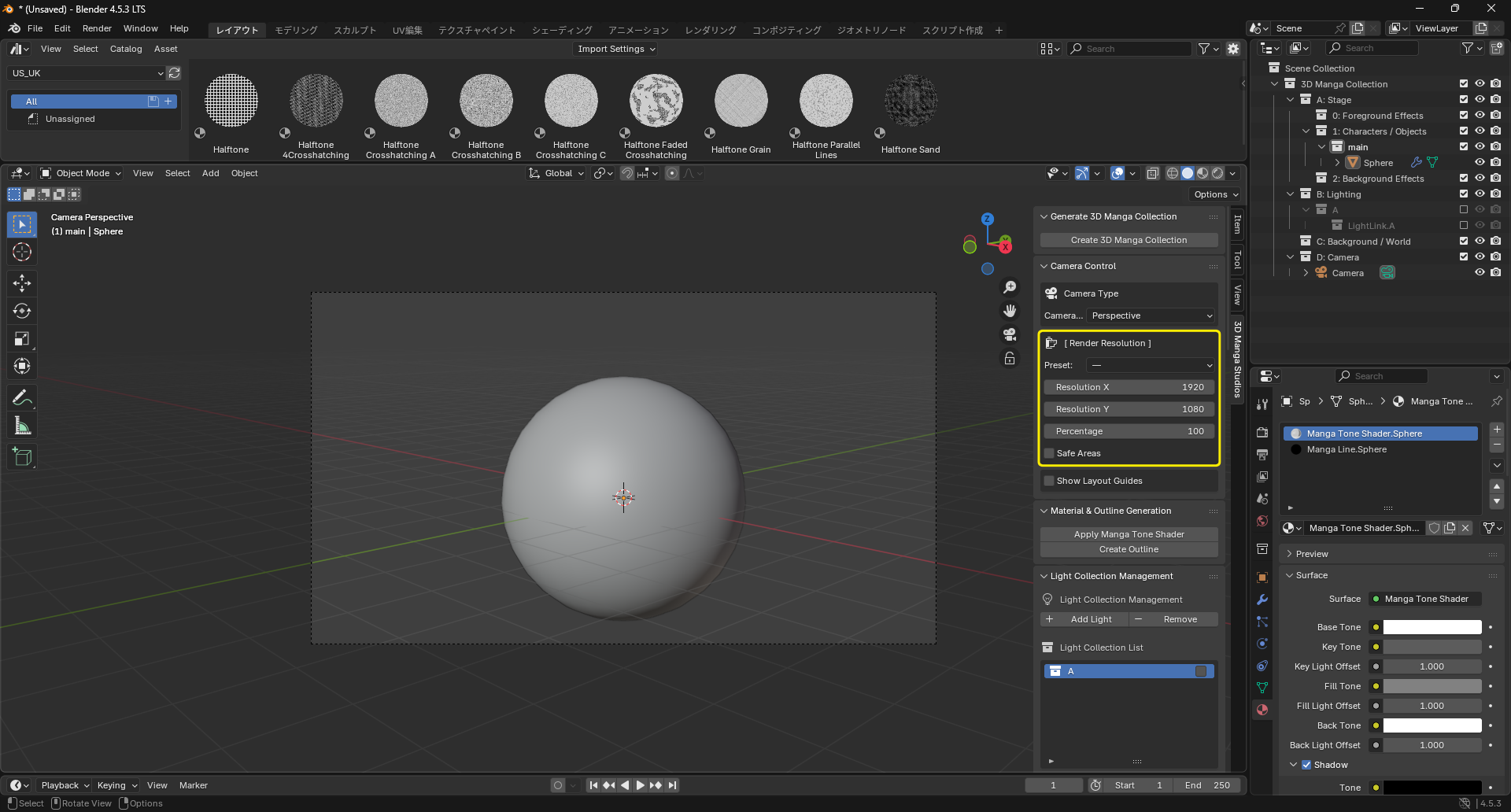
Set the render size. Presets for common manga sizes are provided.
- Resolution X: Width in pixels.
- Resolution Y: Height in pixels.
- Percentage: Scale of render resolution.
-
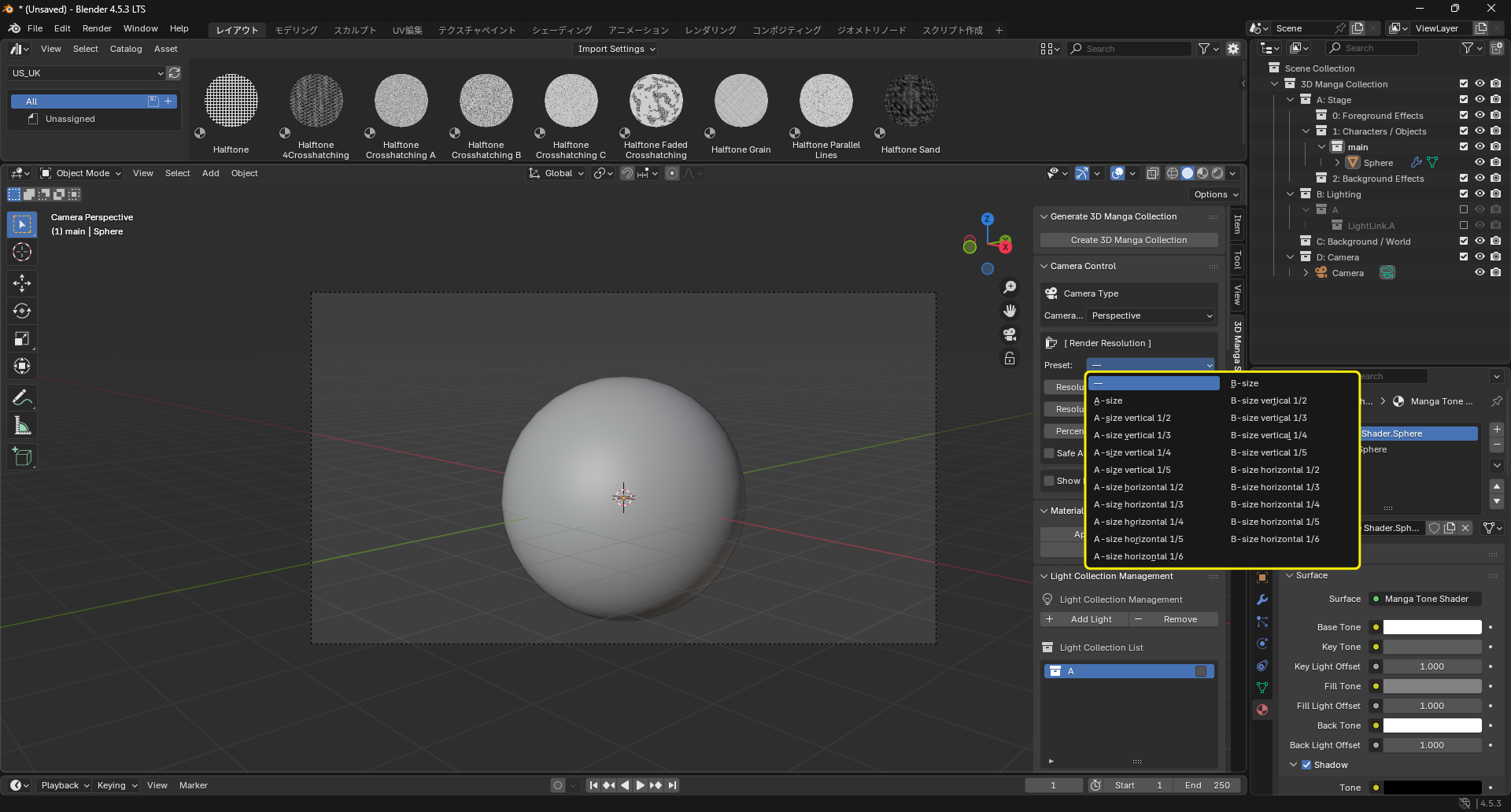
Presets: Choose from common manga sizes.
-
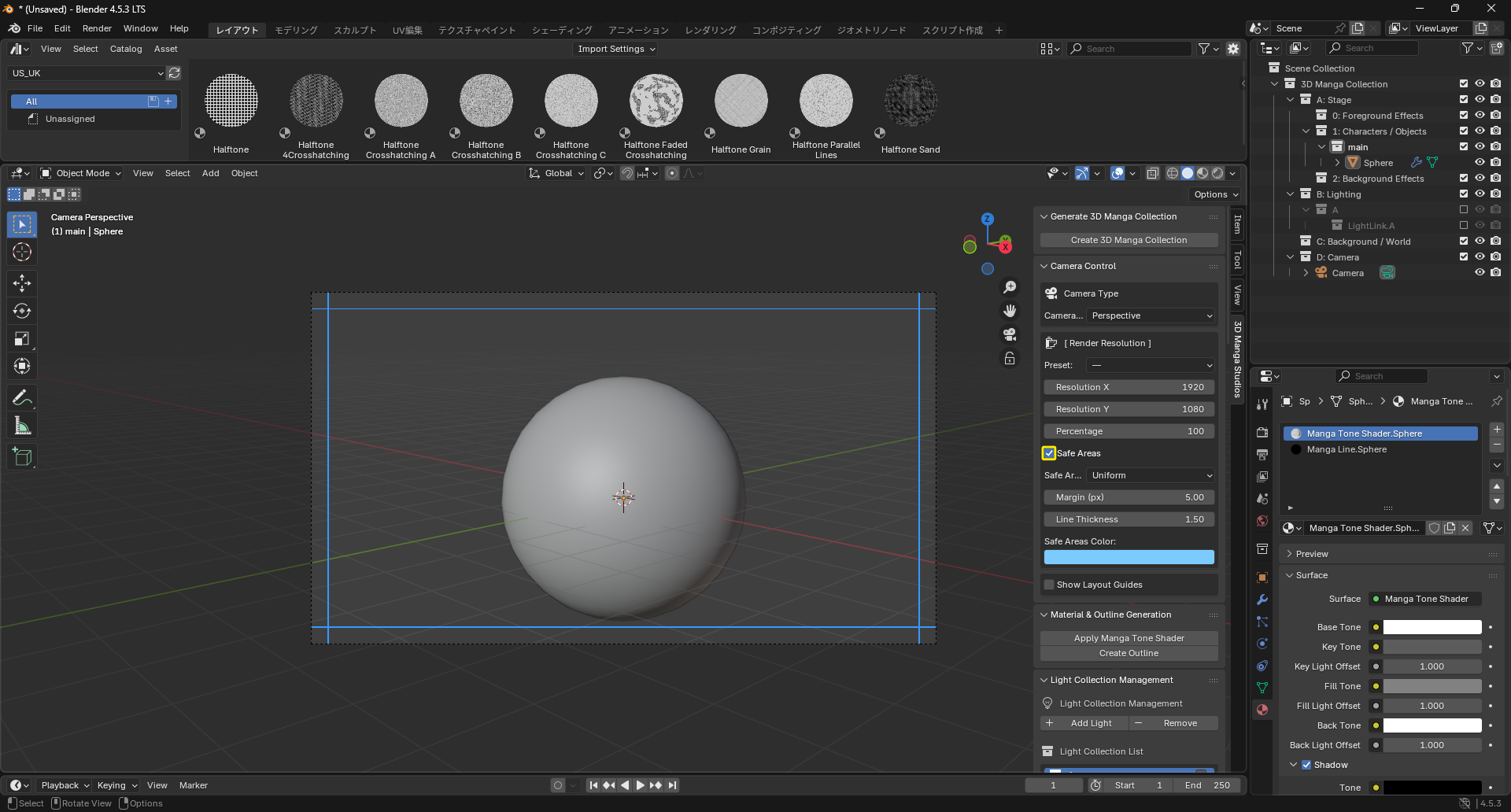
Safe Areas: Toggle safe areas. They help ensure important content isn’t cut at print. When enabled, you can configure:
-
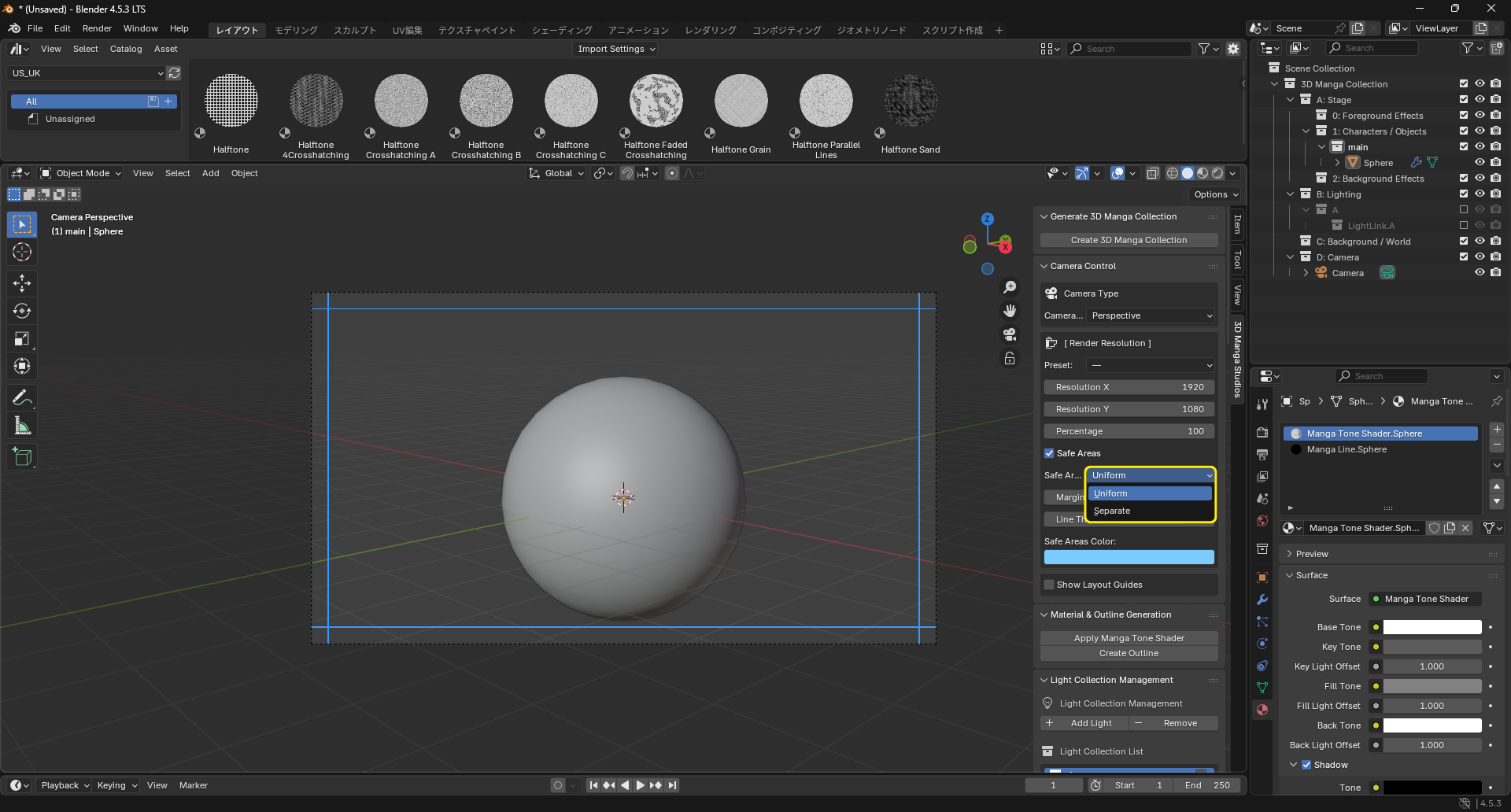
Safe Area Mode: Choose Uniform or Separate.
-
Uniform: Same margin on all sides.
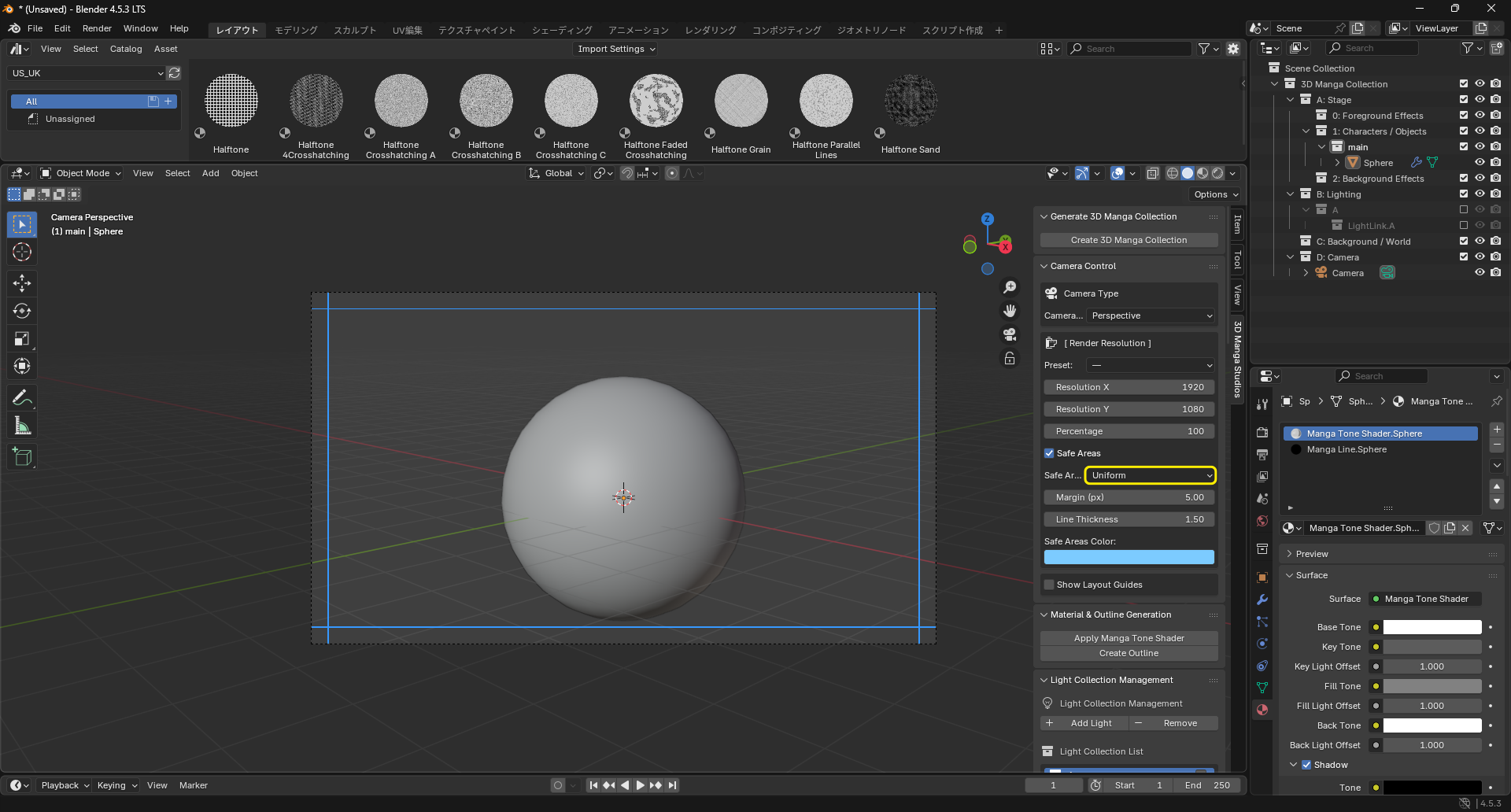
- Margin (px): Margin from the render area edge in pixels.
-
Separate: Different values for horizontal and vertical sides.
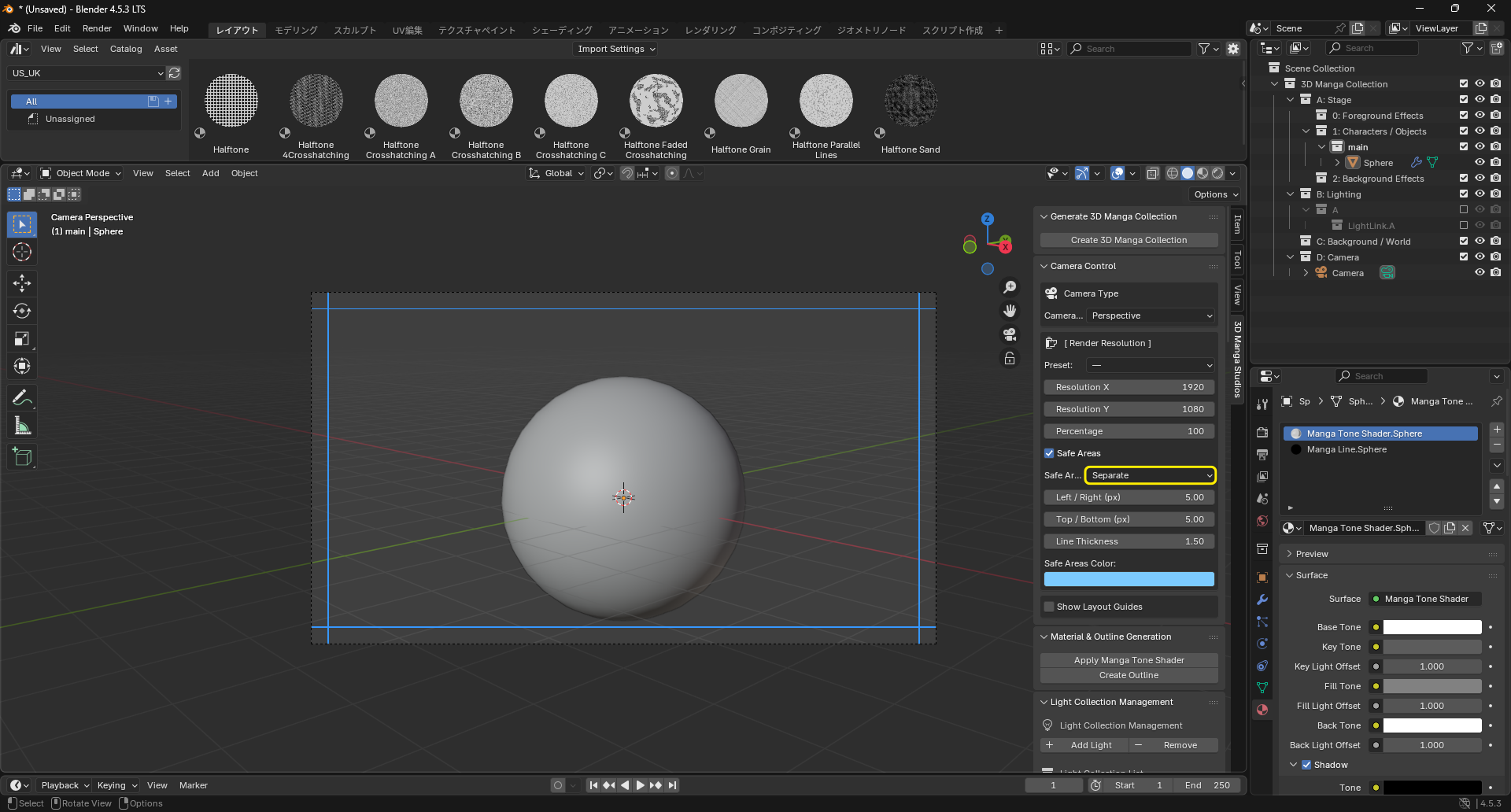
- Left/Right (px): Horizontal margins in pixels.
- Top/Bottom (px): Vertical margins in pixels.
-
-
Line Width: Thickness of safe area lines.
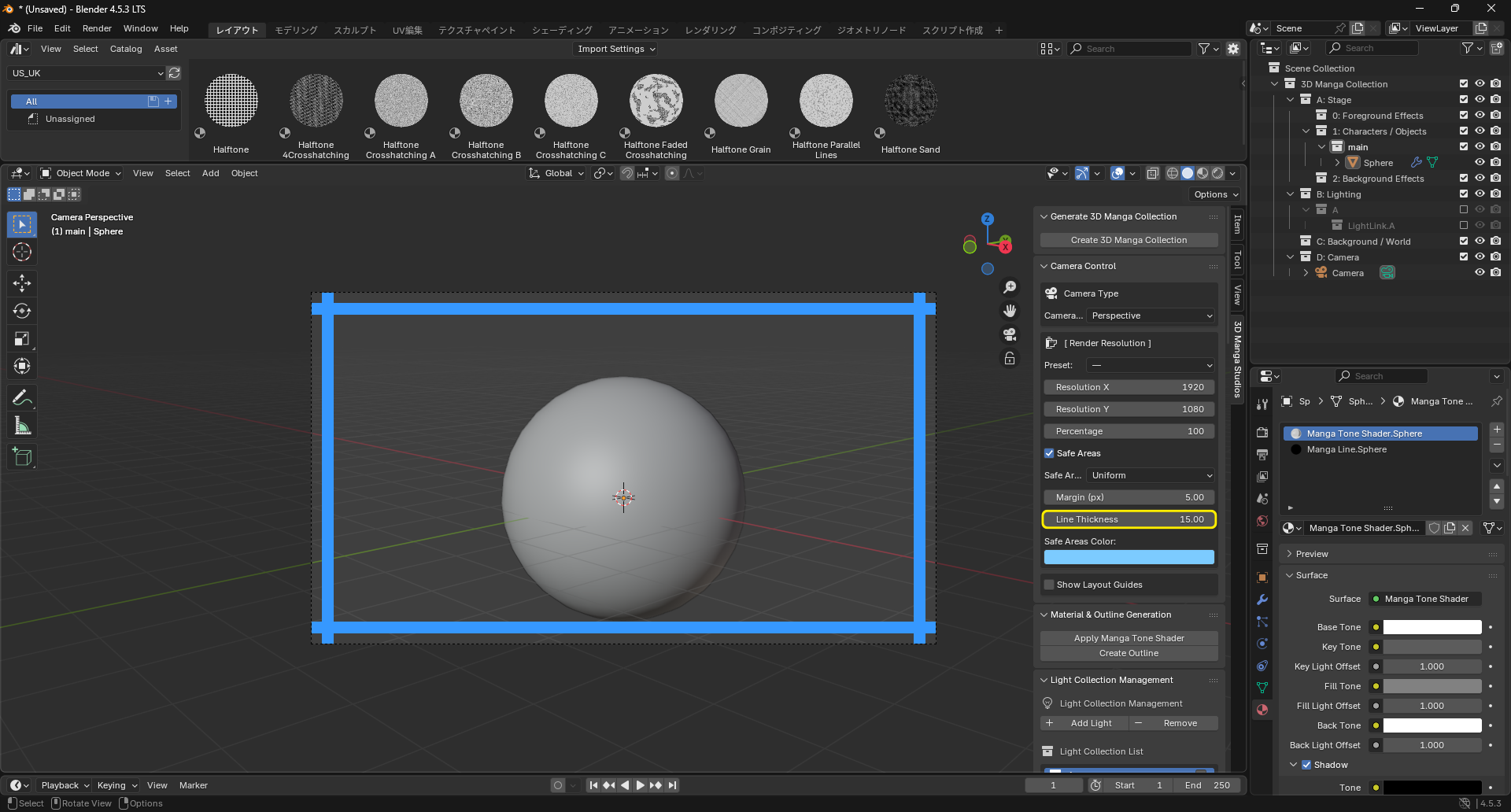
-
Color: Color and alpha of safe area lines.
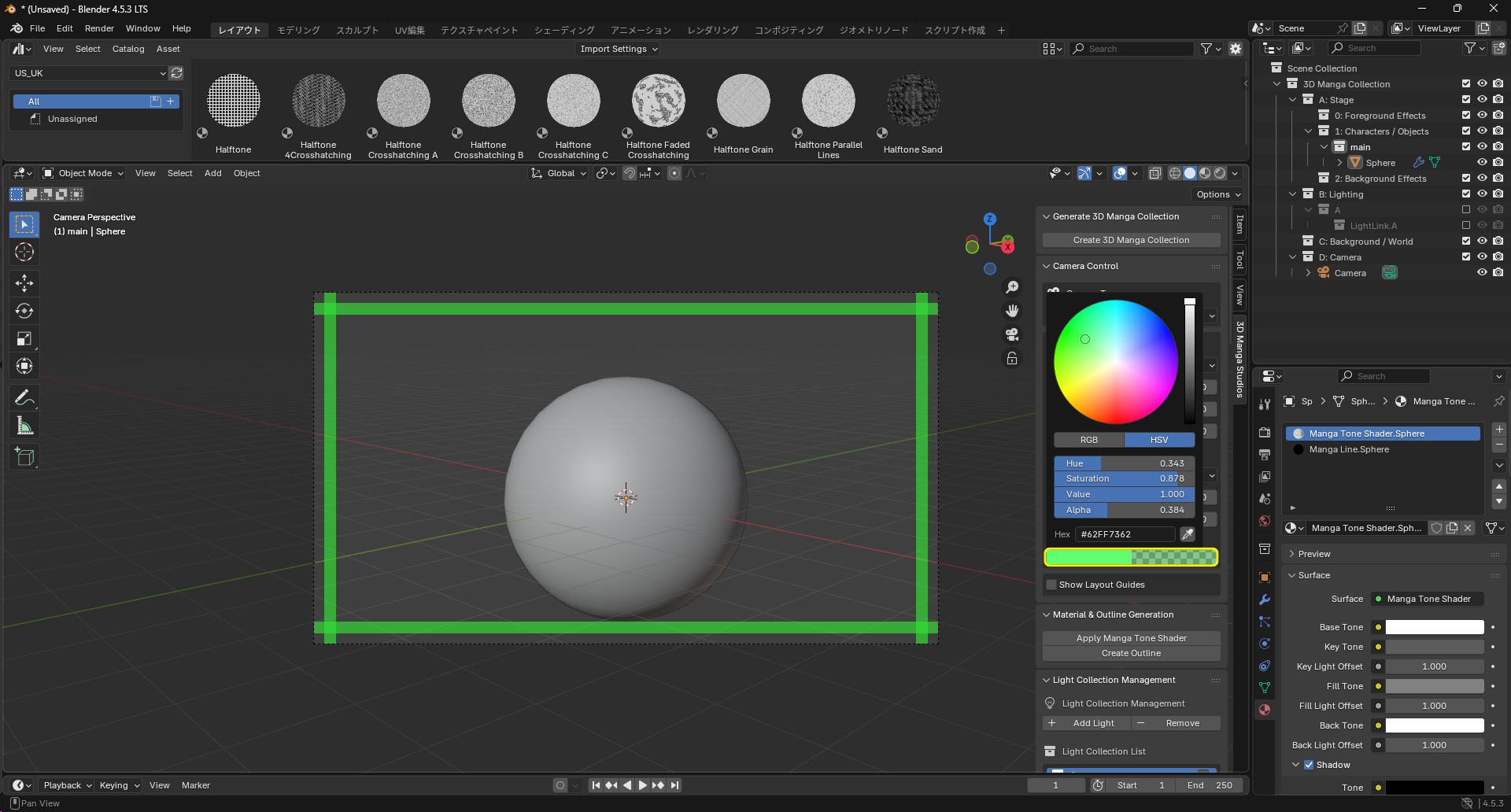
-
About presets
The following presets are available.
When Safe Areas are enabled, choosing a preset sets 50 px margins on each side automatically.
Note: Values are 100x for convenience (pixel-based).
A Series
| Preset | Ratio (W×H) |
|---|---|
| A | 21000×29700 |
| A half (portrait) | 21000×14850 |
| A third (portrait) | 21000×9900 |
| A quarter (portrait) | 21000×7425 |
| A fifth (portrait) | 21000×5940 |
| A half (landscape) | 10500×29700 |
| A third (landscape) | 7000×29700 |
| A quarter (landscape) | 5250×29700 |
| A fifth (landscape) | 4200×29700 |
| A sixth (landscape) | 3500×29700 |
B Series
| Preset | Ratio (W×H) |
|---|---|
| B | 25700×36400 |
| B half (portrait) | 25700×18200 |
| B third (portrait) | 25700×12133 |
| B quarter (portrait) | 25700×9100 |
| B fifth (portrait) | 25700×7280 |
| B half (landscape) | 12850×36400 |
| B third (landscape) | 8566×36400 |
| B quarter (landscape) | 6425×36400 |
| B fifth (landscape) | 5140×36400 |
| B sixth (landscape) | 4283×36400 |
Layout Guides
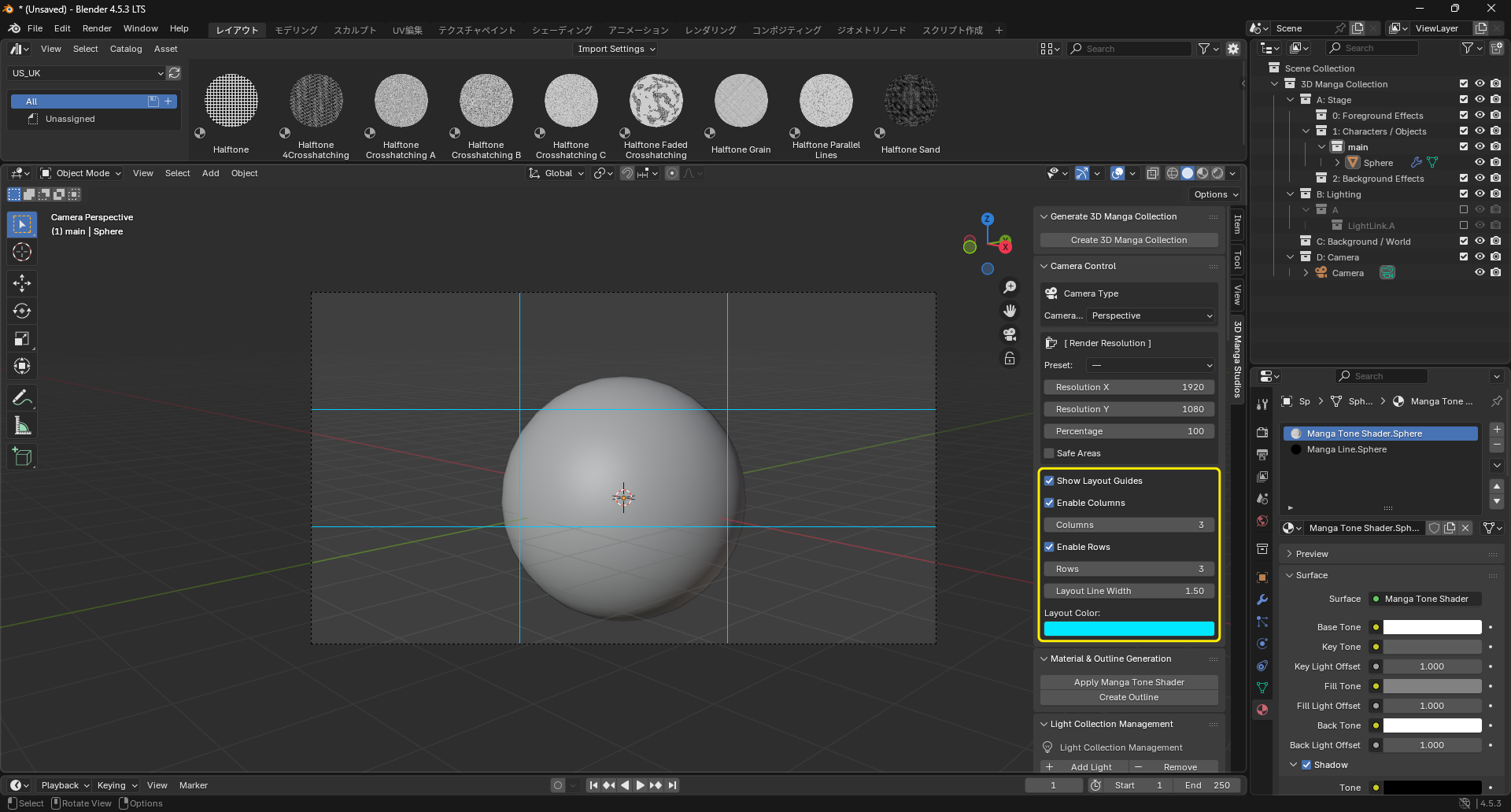
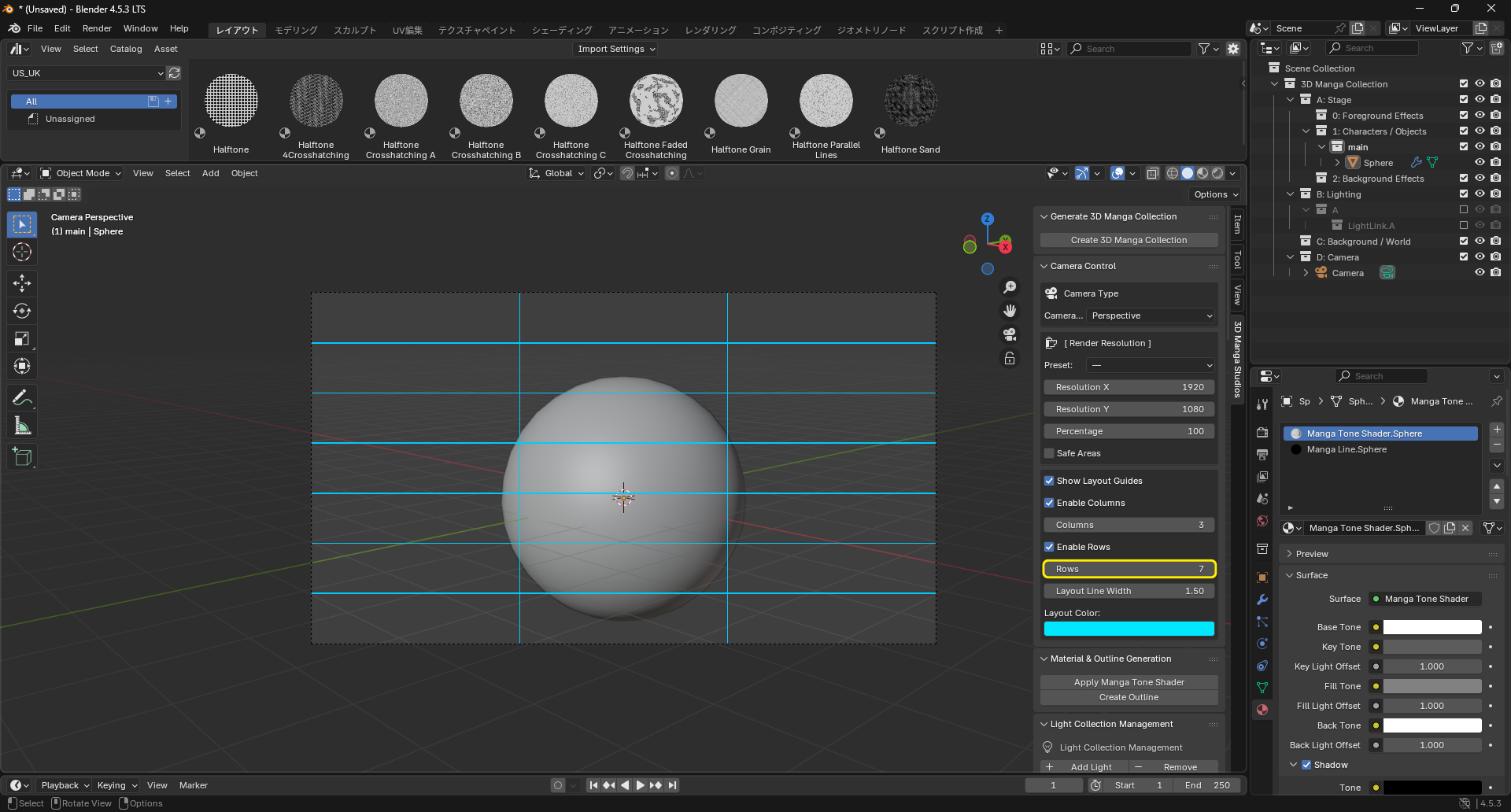
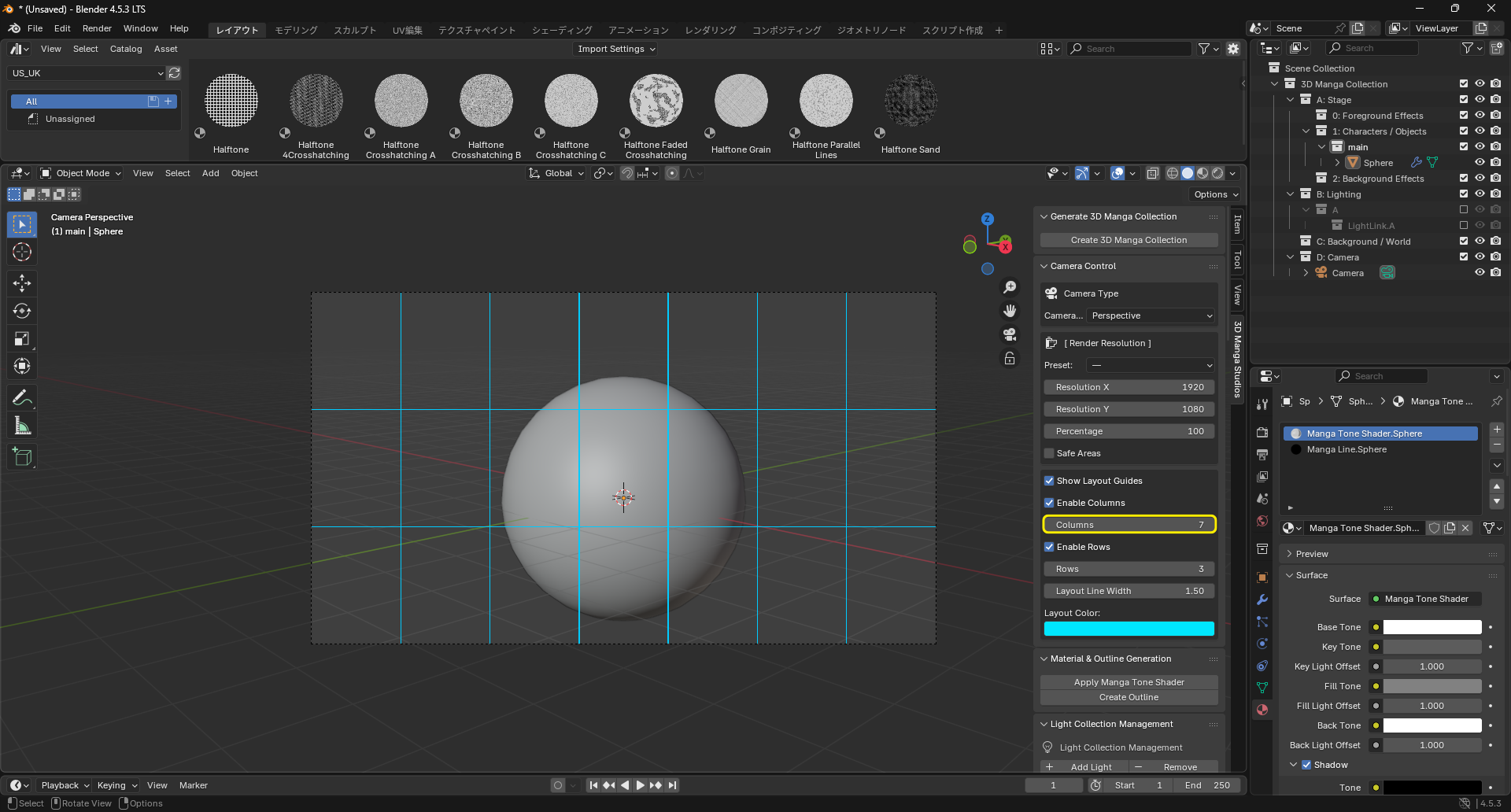
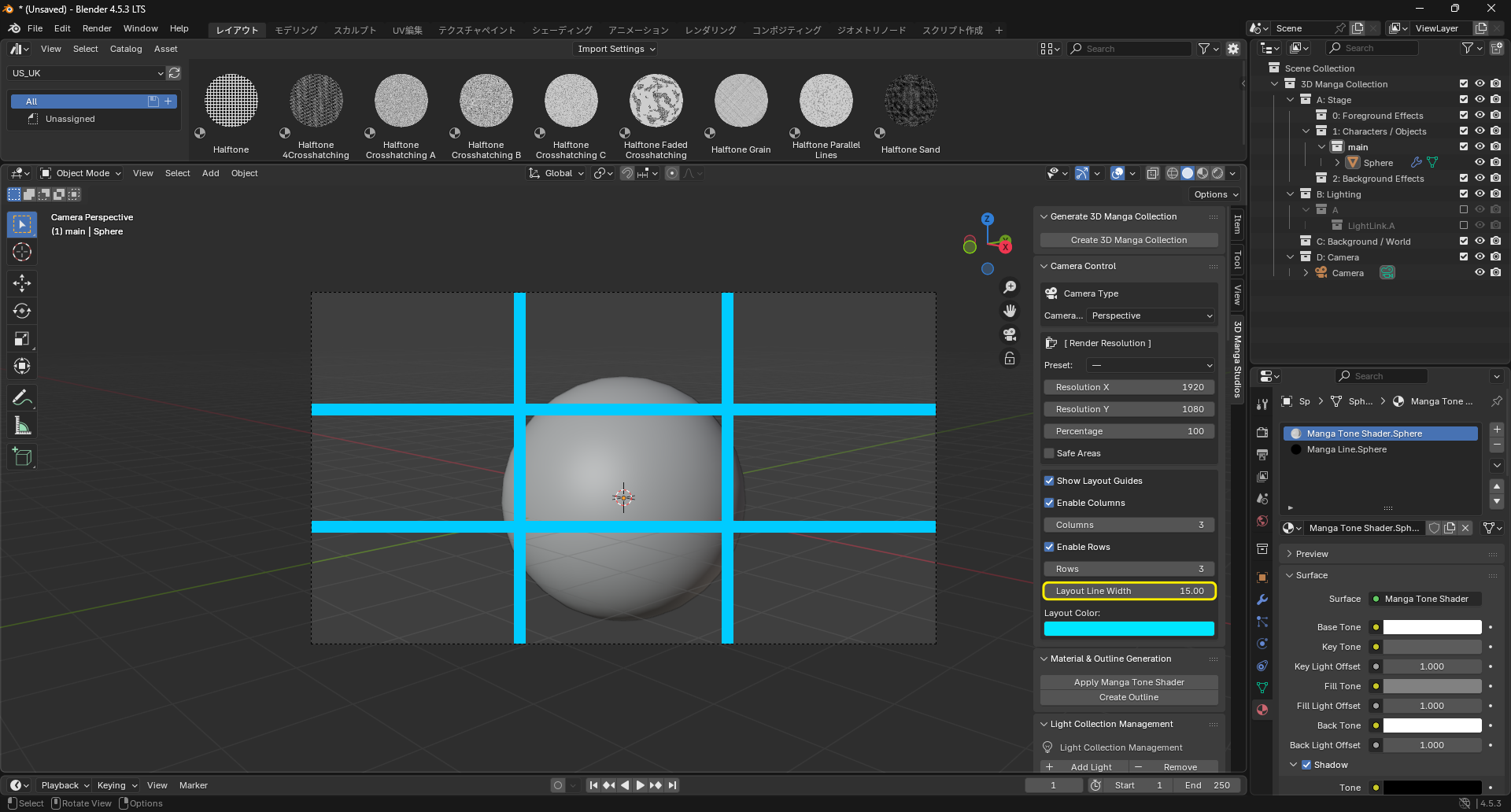
Toggle layout guides, which help with paneling and character placement. When enabled:
-
Column Guides: Vertical splits from 2 to 100 columns.
-
Row Guides: Horizontal splits from 2 to 100 rows.
-
Guide Line Width: Thickness of guide lines.
-
Guide Color: Color and alpha of guide lines.