How to use
The add-on provides four functions organized into five sections. It supports only the EEVEE render engine. With five steps, you can set up a base for your manga scene.
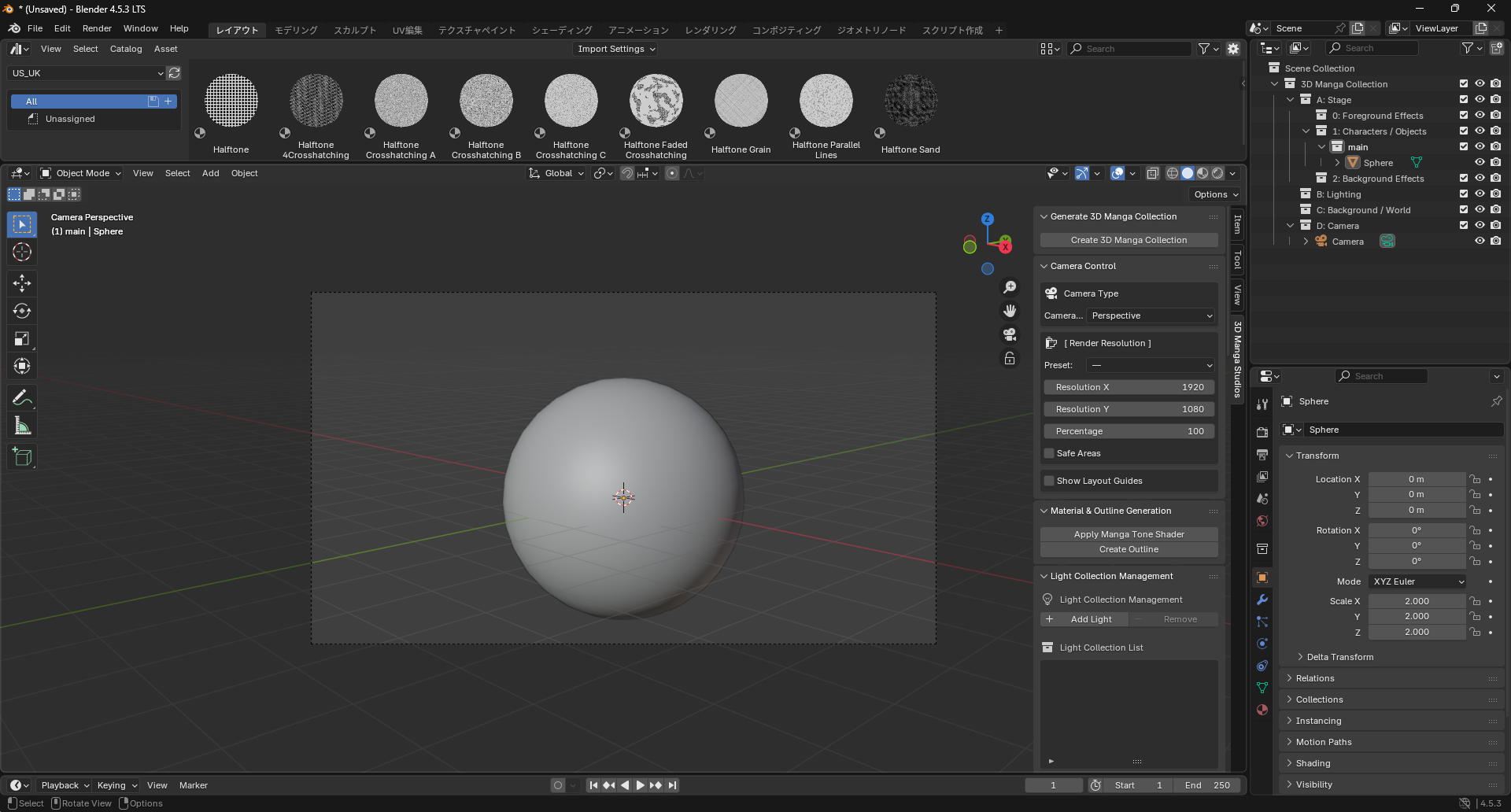
1. Generate 3D Manga Collection
Automatically set up an effective collection structure for manga scenes.
2. Camera Settings
Easily set render size and perspective (focal length), and toggle safe areas and guides.
3. Material & Outline Generation
Apply the dedicated Manga Tone Shader and outline to selected objects.
4. Light Collection Management
Manage dedicated light objects by groups.
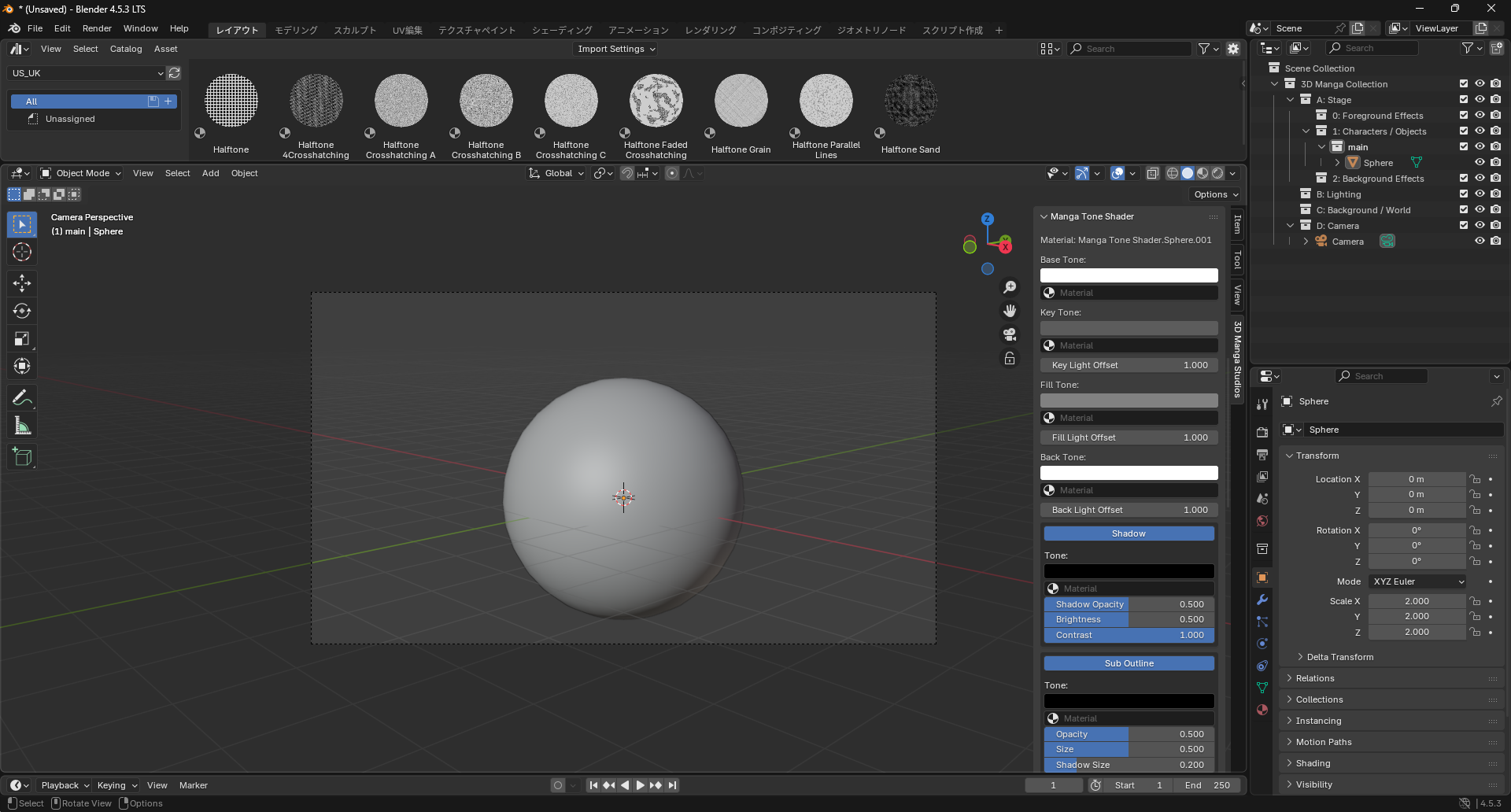
5. Manga Tone Shader
Adjust Manga Tone Shader properties freely.