Material & Outline Generation
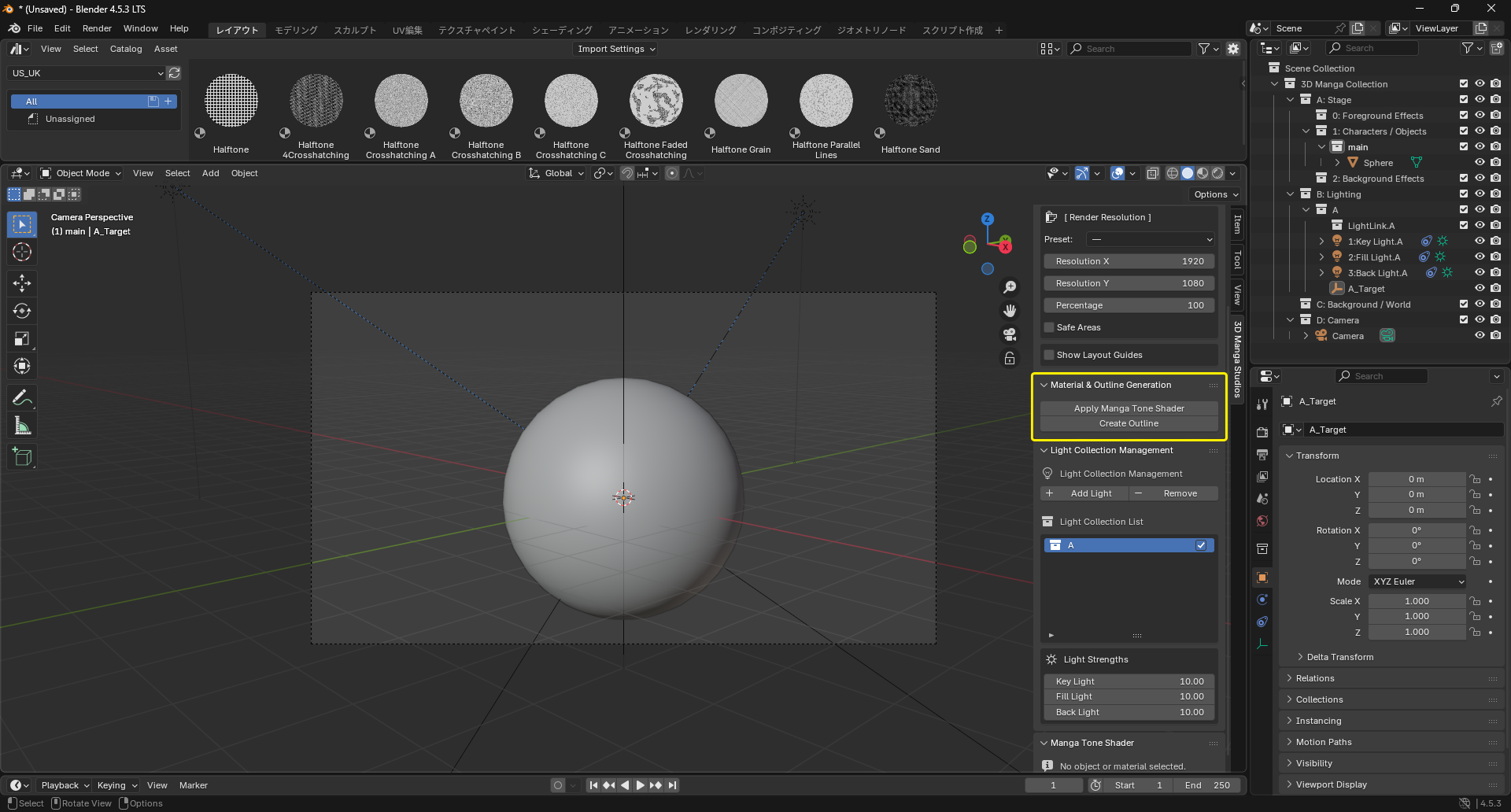
After configuring the camera, apply materials and outlines to objects to achieve manga-like looks.
Steps
Apply Manga Tone Shader
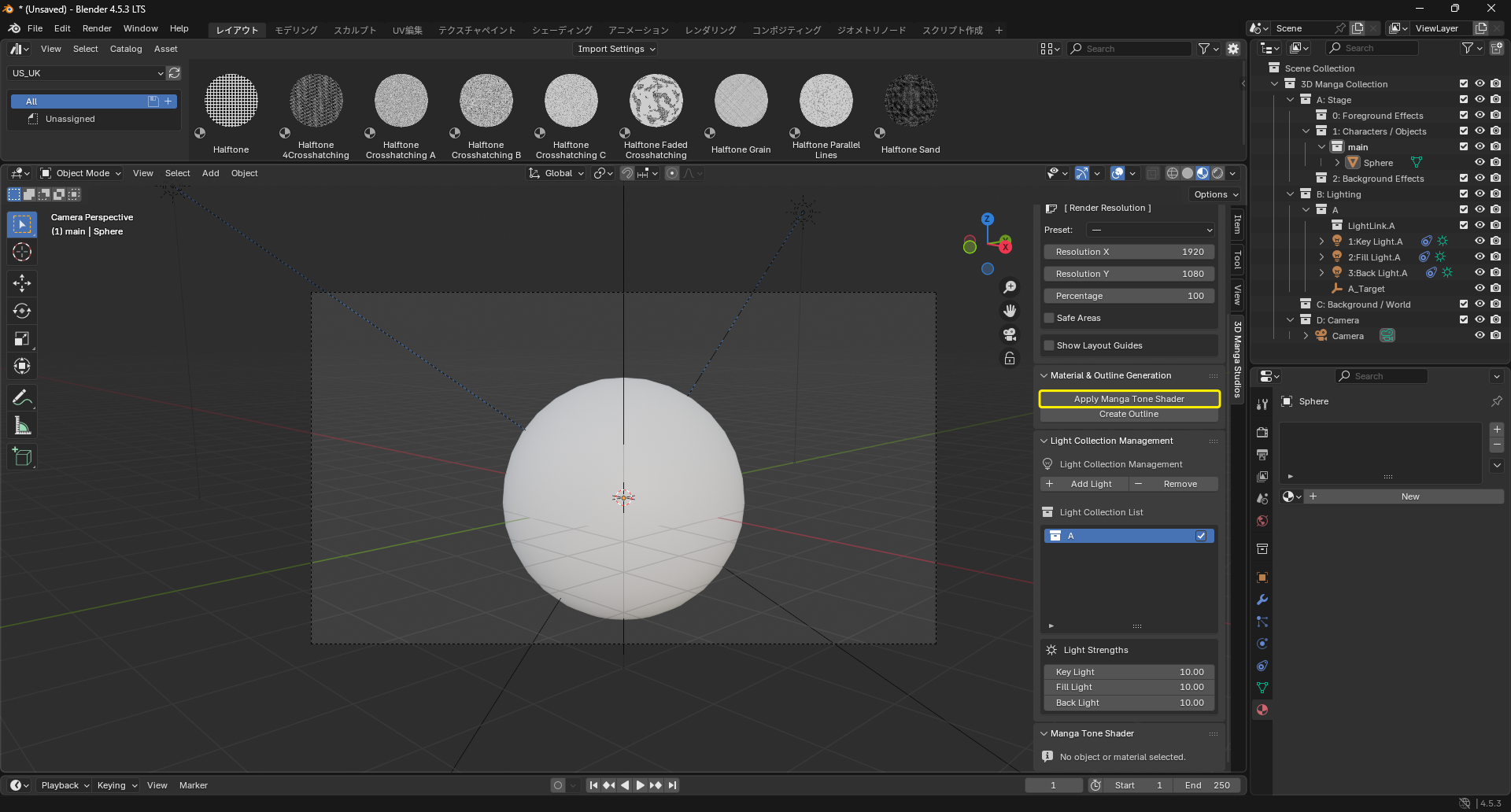
- Select the objects you want to assign to. Use Shift-click for multiple selections.
- Open the Material & Outline Generation section in the side panel.
- Click "Apply Manga Tone Shader" to assign manga-style material to the selection.
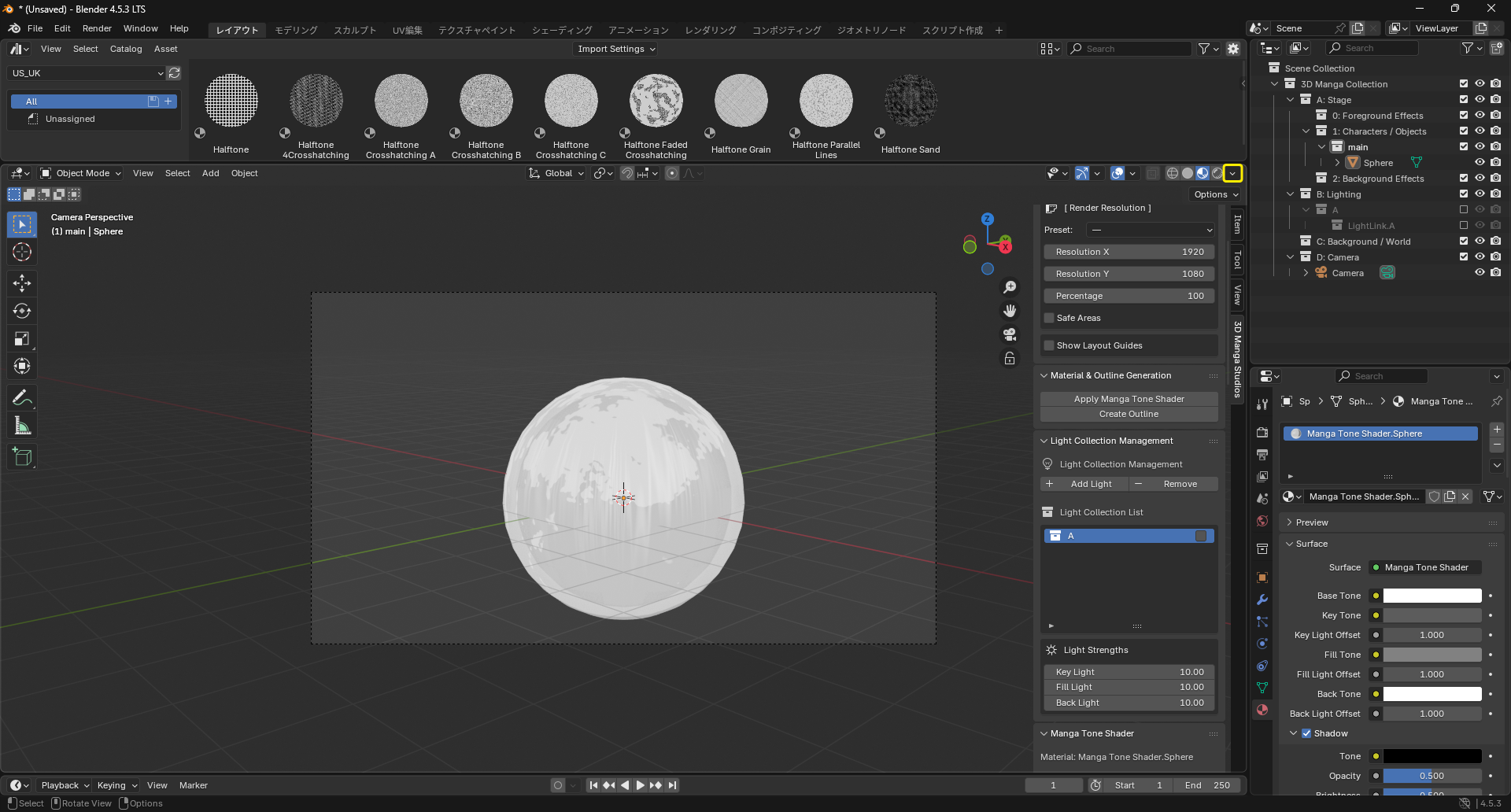
Note
Depending on render settings, appearance can differ. Open the render settings and match the screenshot to preview materials without world lighting influence.
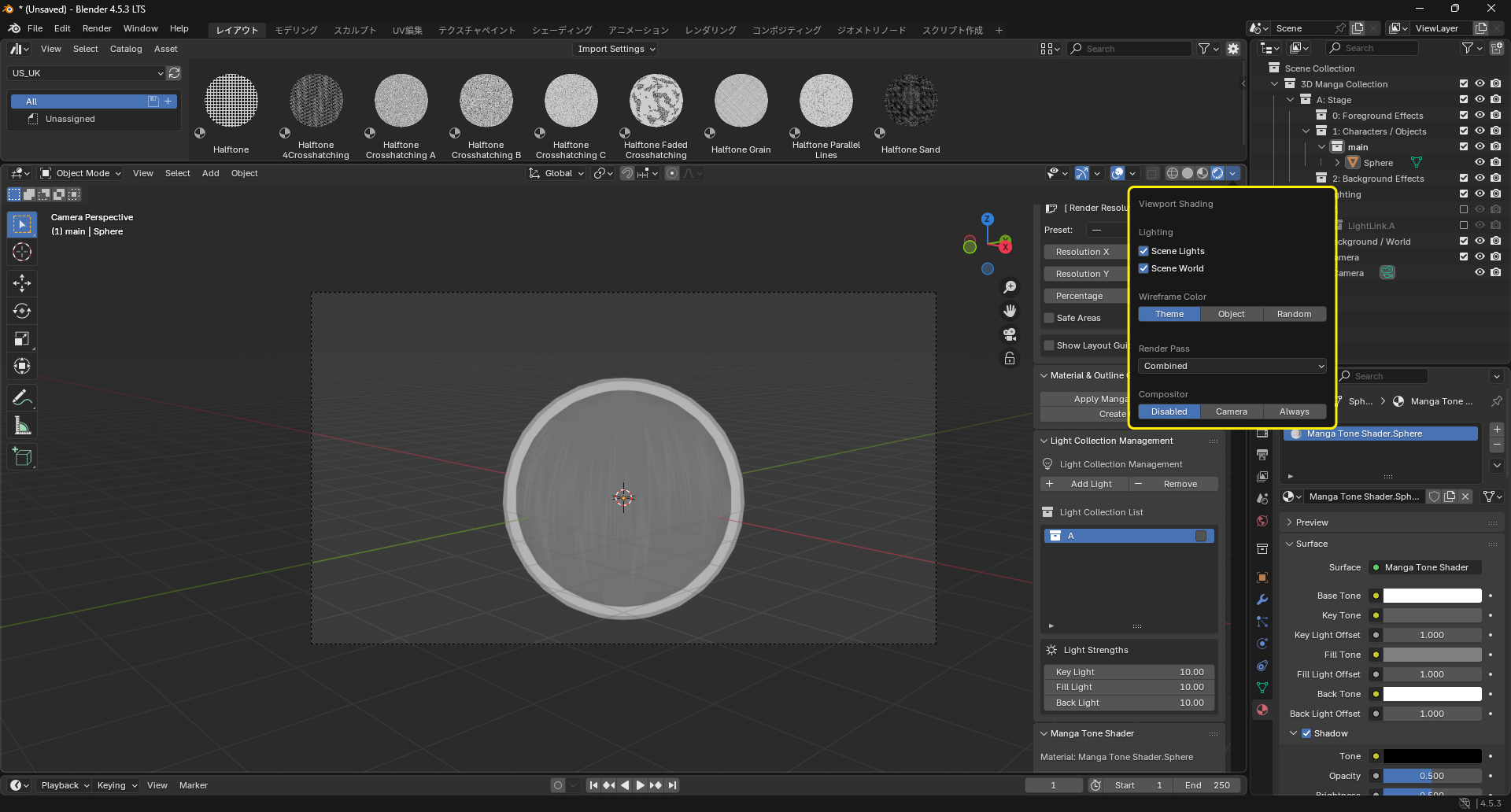
Create Outline
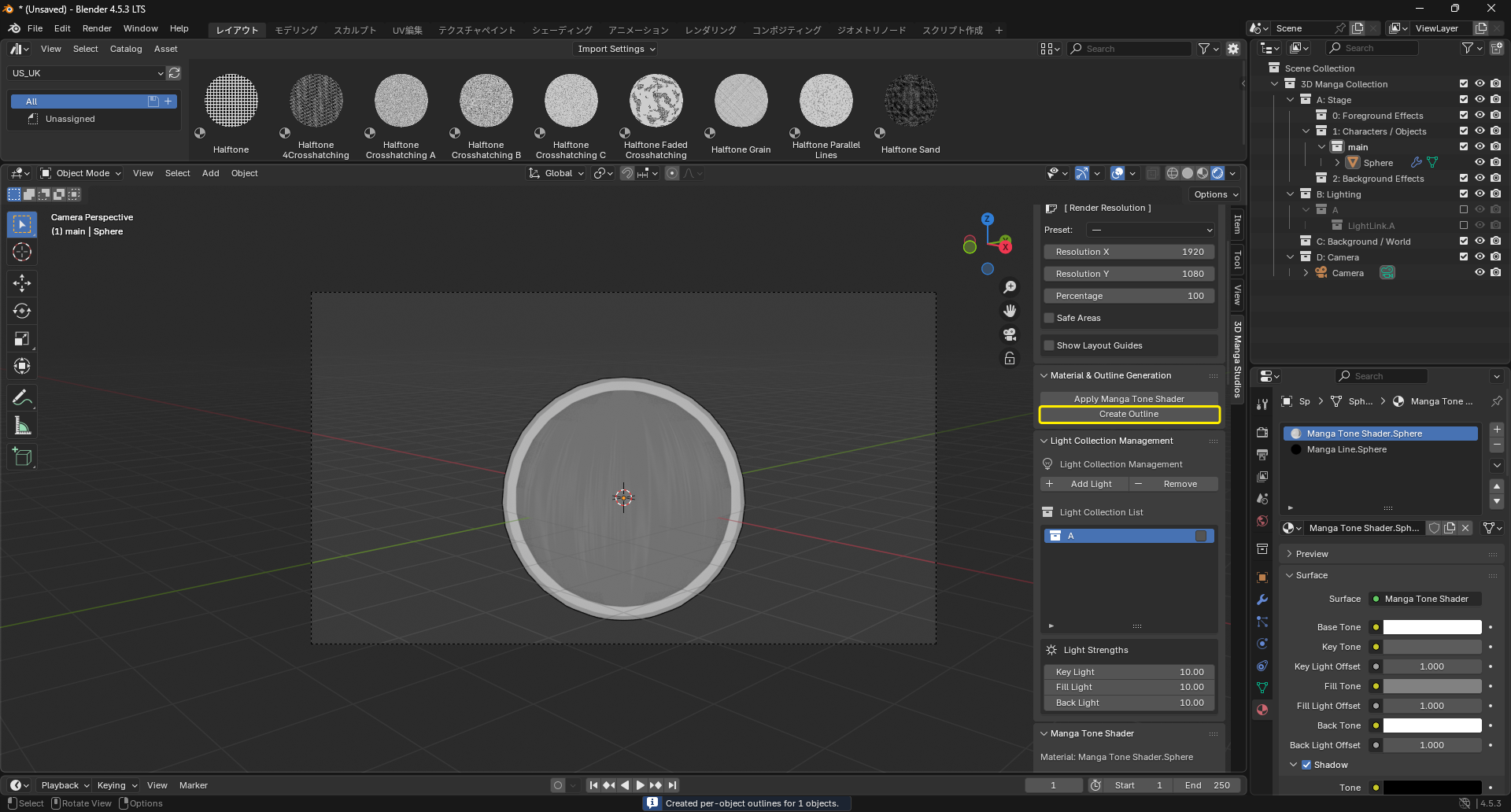
- Keep the same objects selected.
- Click "Create Outline" to add solidify-style outline to the selection.
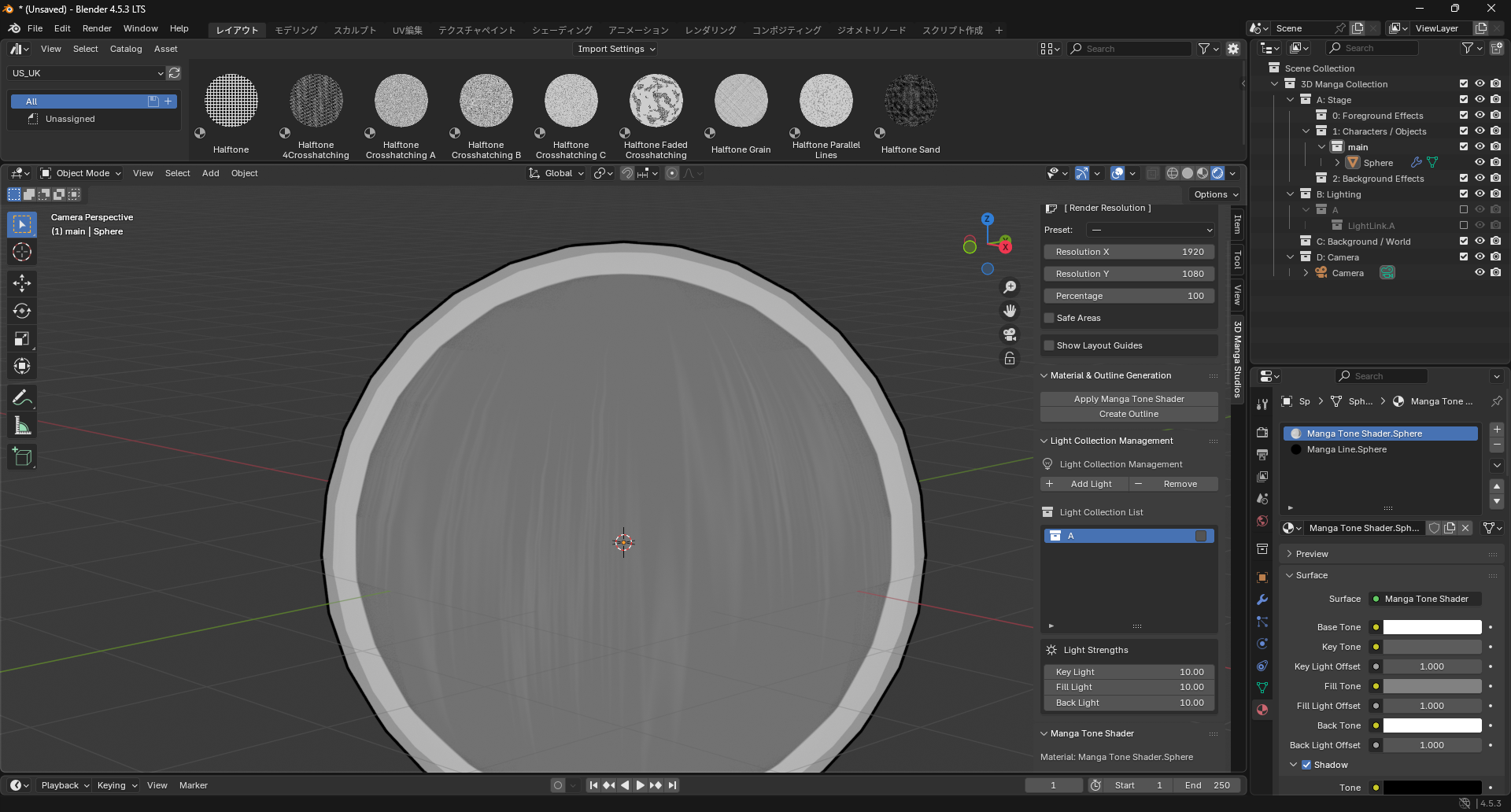
Tips
- For batch application, select multiple objects before running actions.
- To copy applied material to others: 1) Select source object 2) Select target objects Then press Ctrl + L and choose "Link Materials".
- To copy outline modifiers to others: 1) Select source object 2) Select target objects Then press Ctrl + L and choose "Copy Modifiers".