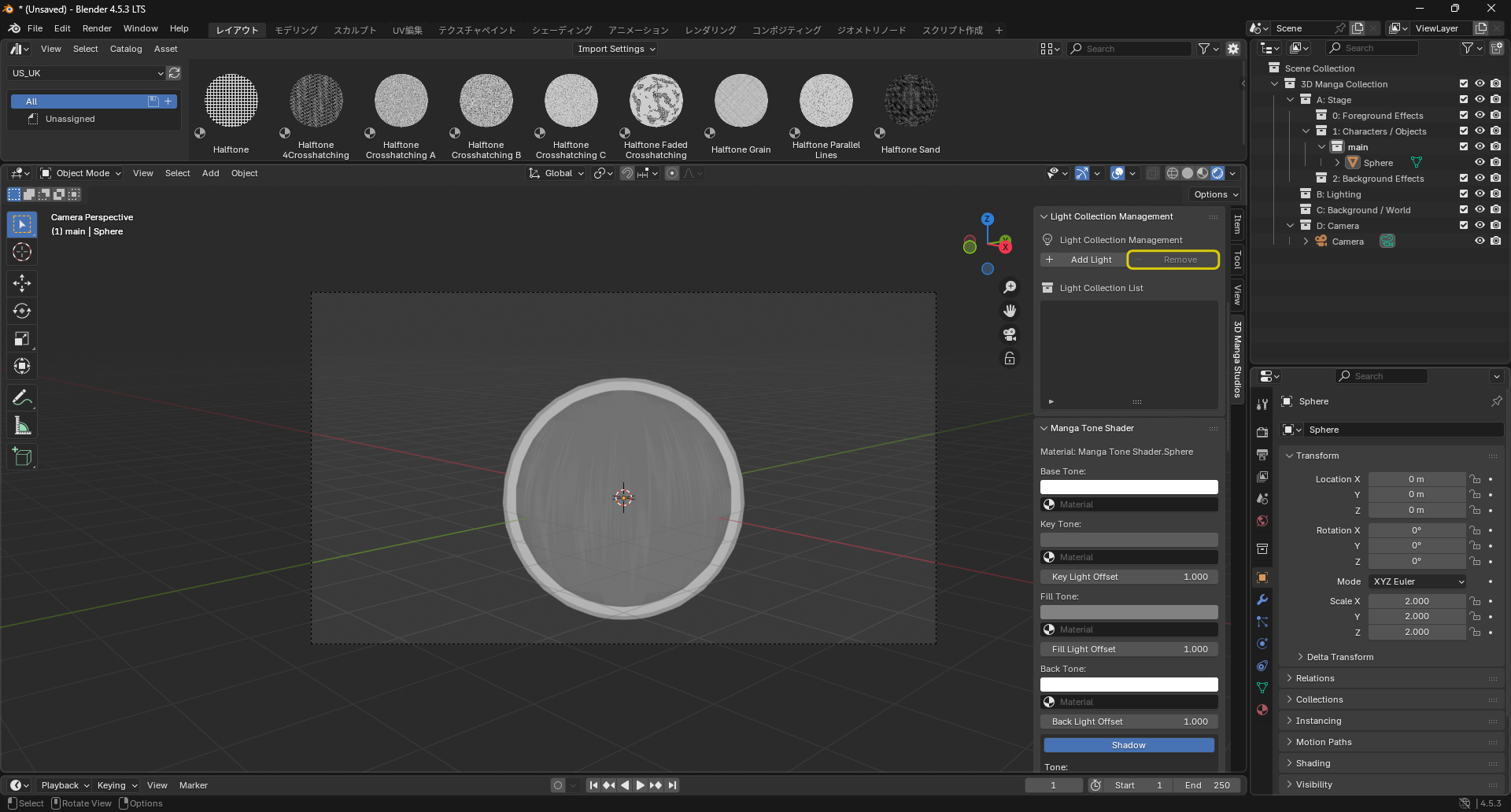
Light Collection Management
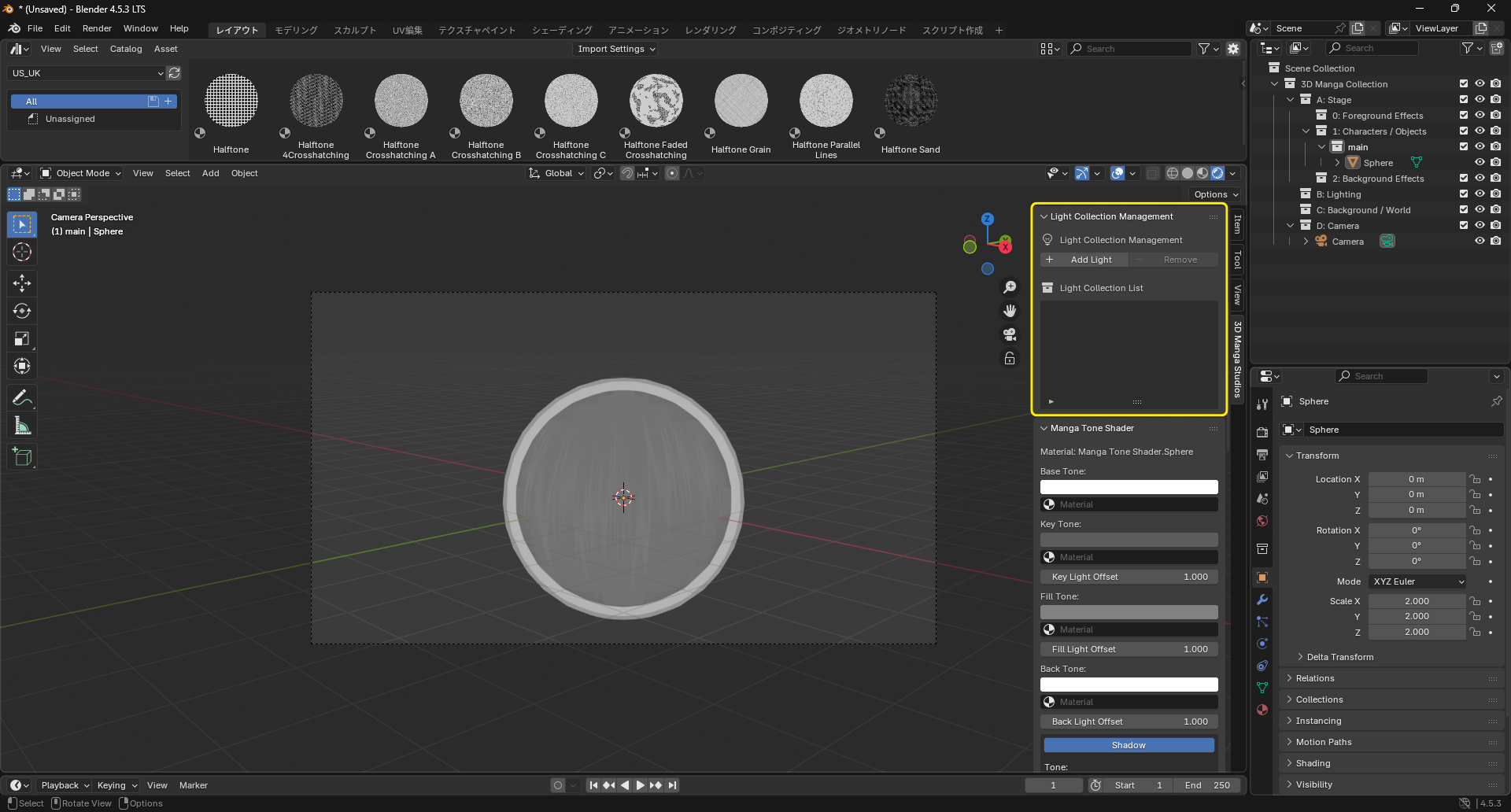
After applying materials and outlines, manage light collections. You can add, toggle visibility, and remove them.
Steps
Add a Light Collection
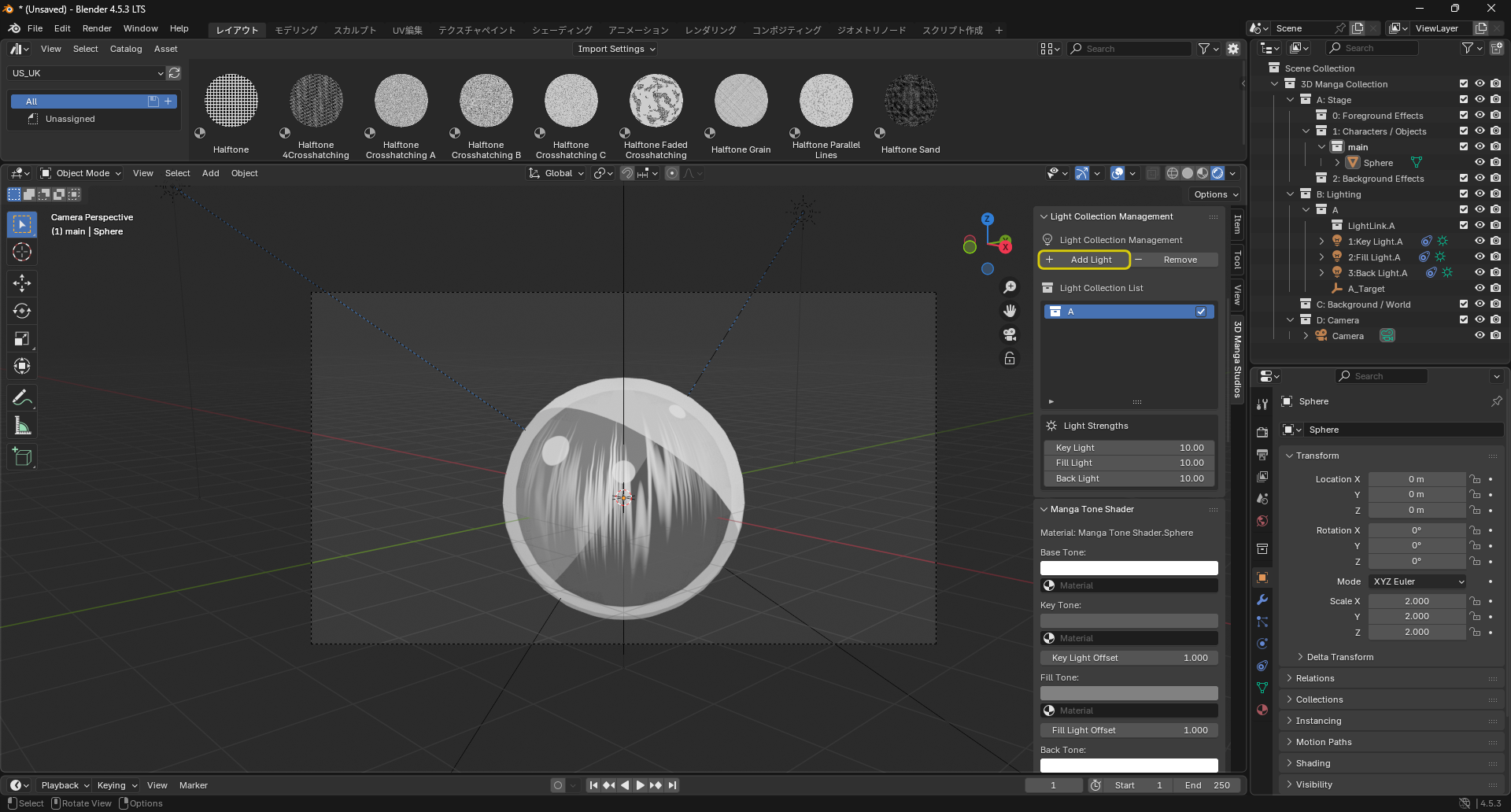
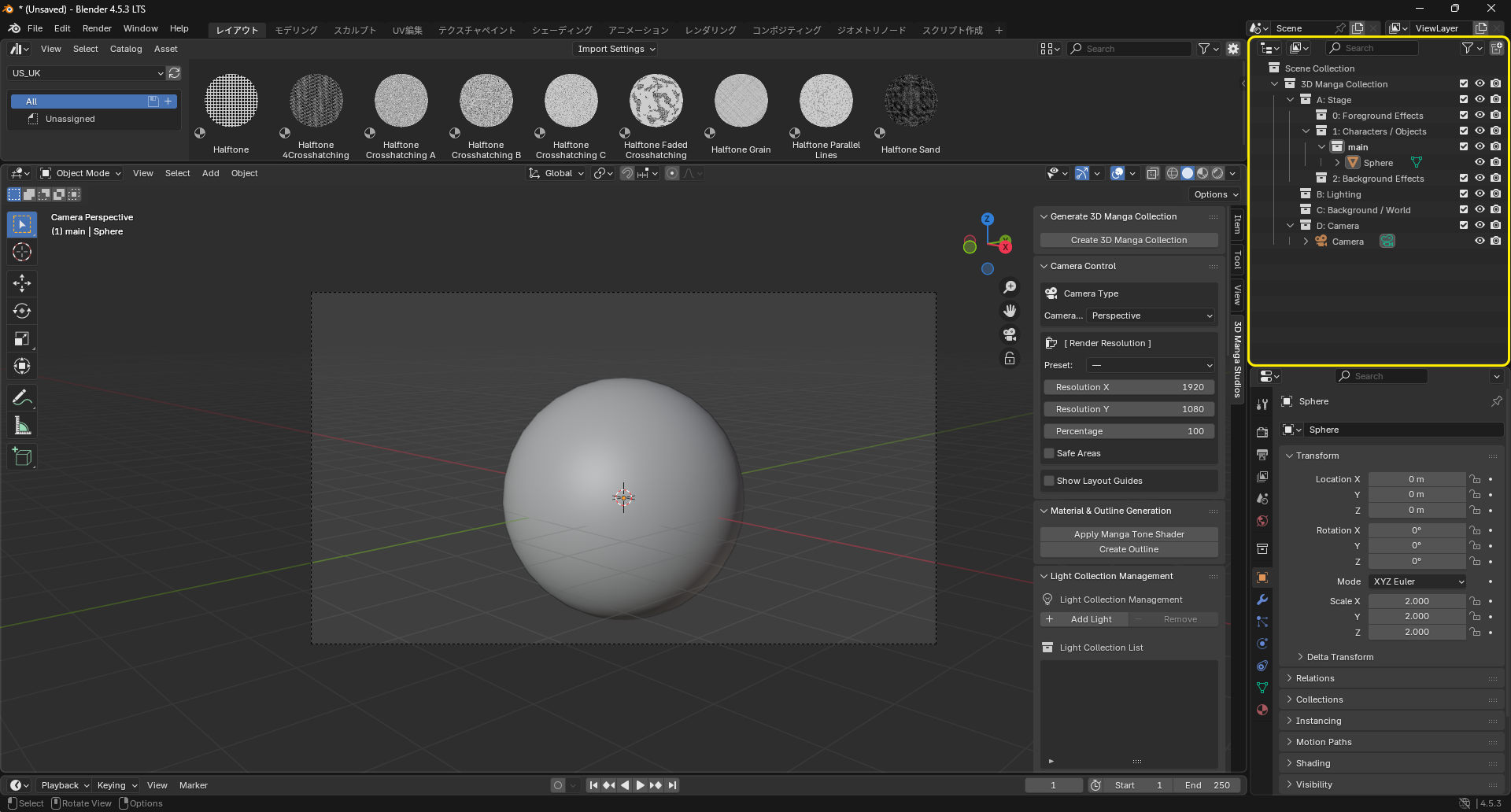
- Ensure that within "3D Manga Collection" there is a collection named "B: Lighting".
- In the Light Collection section, click the "+ Add" button.
- Enter a name for the light collection and click OK.
-
A new light collection is added under "B: Lighting".
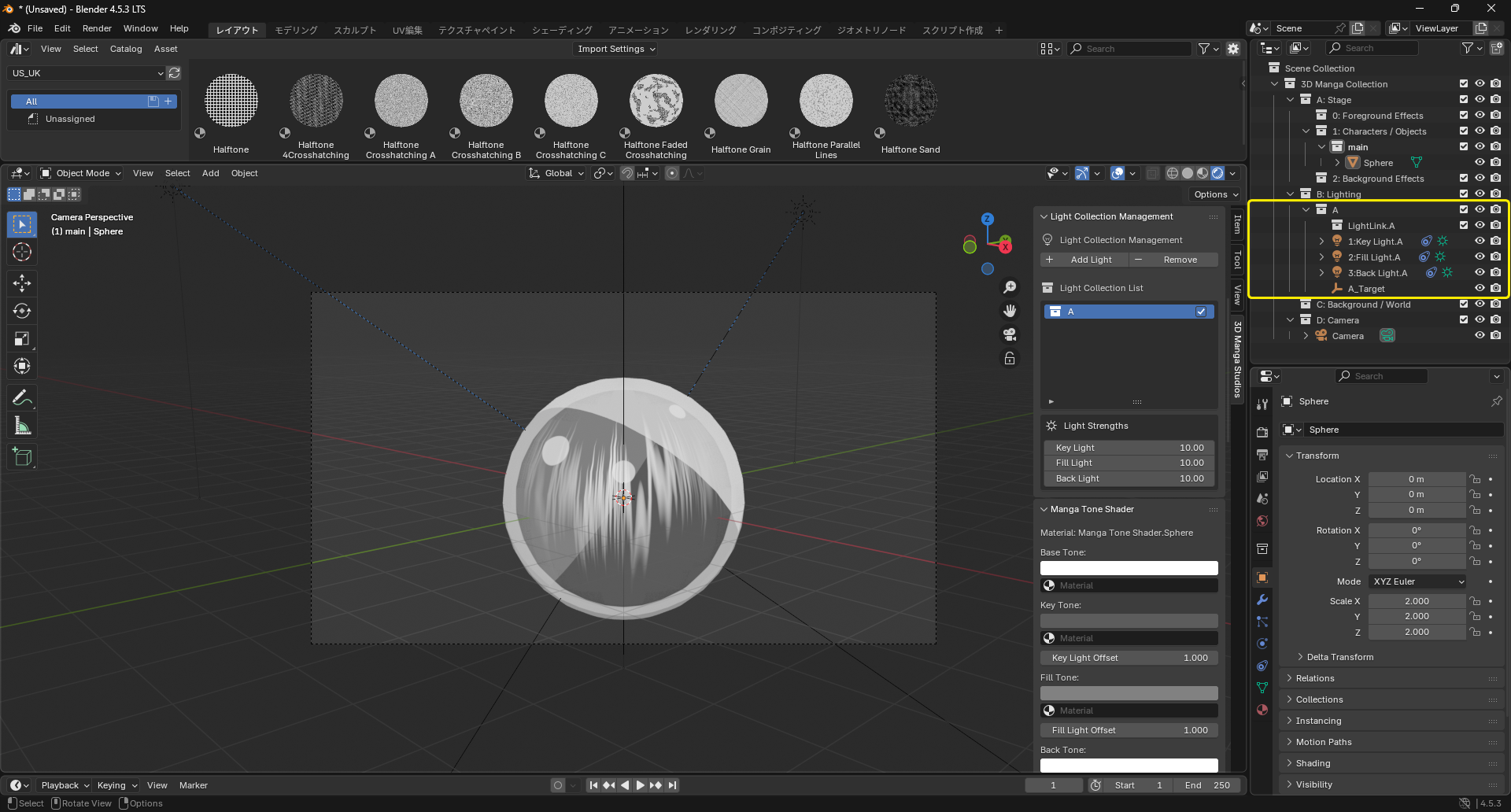
The light collection includes three lights, a collection, and a target empty.
- Key Light: The main light for illuminating the subject.
- Fill Light: A secondary light to soften shadows from the key light.
- Back Light: A rim/back light to separate the subject from the background.
-
Light Linking: Configure which objects a light affects. For example, make a light affect only the background but not the character.
Note
Drag and drop collections containing objects into the LightLink collection with Ctrl held to limit a light's influence to objects inside the dropped collection.
Caution
To use Light Linking, you must create one or more collections under "1: Characters / Objects".
-
Target: An empty that all three lights aim at. !!! note "Note" Moving the target empty changes the direction of all lights together.
Important
You must press "Create 3D Manga Collection" in the "Generate 3D Manga Collection" section first. Otherwise, you cannot add a light collection. Always create the dedicated collections first, then add a light collection.
Toggle Light Collection Visibility
- The Light Collection List shows all light collections.
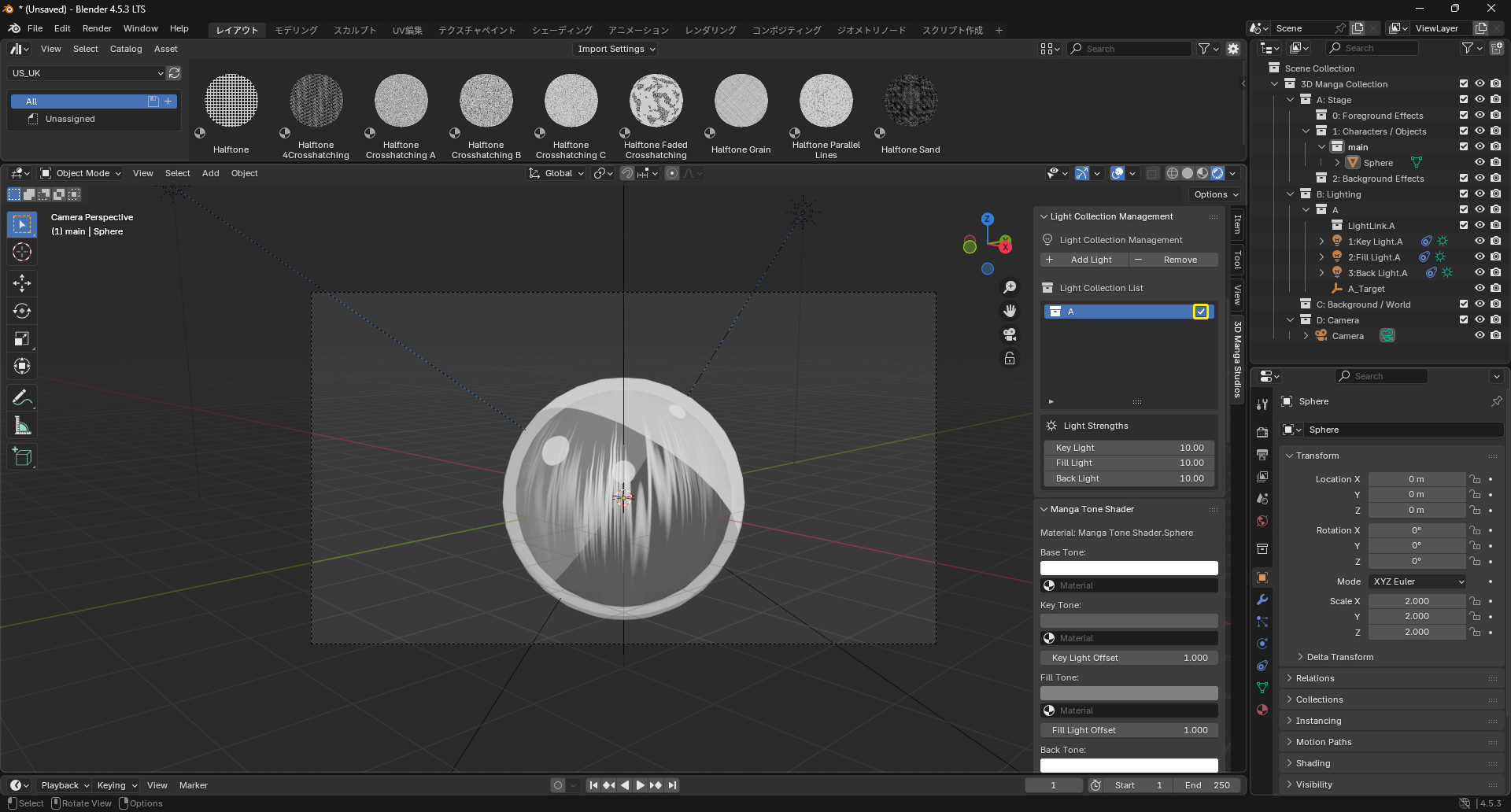
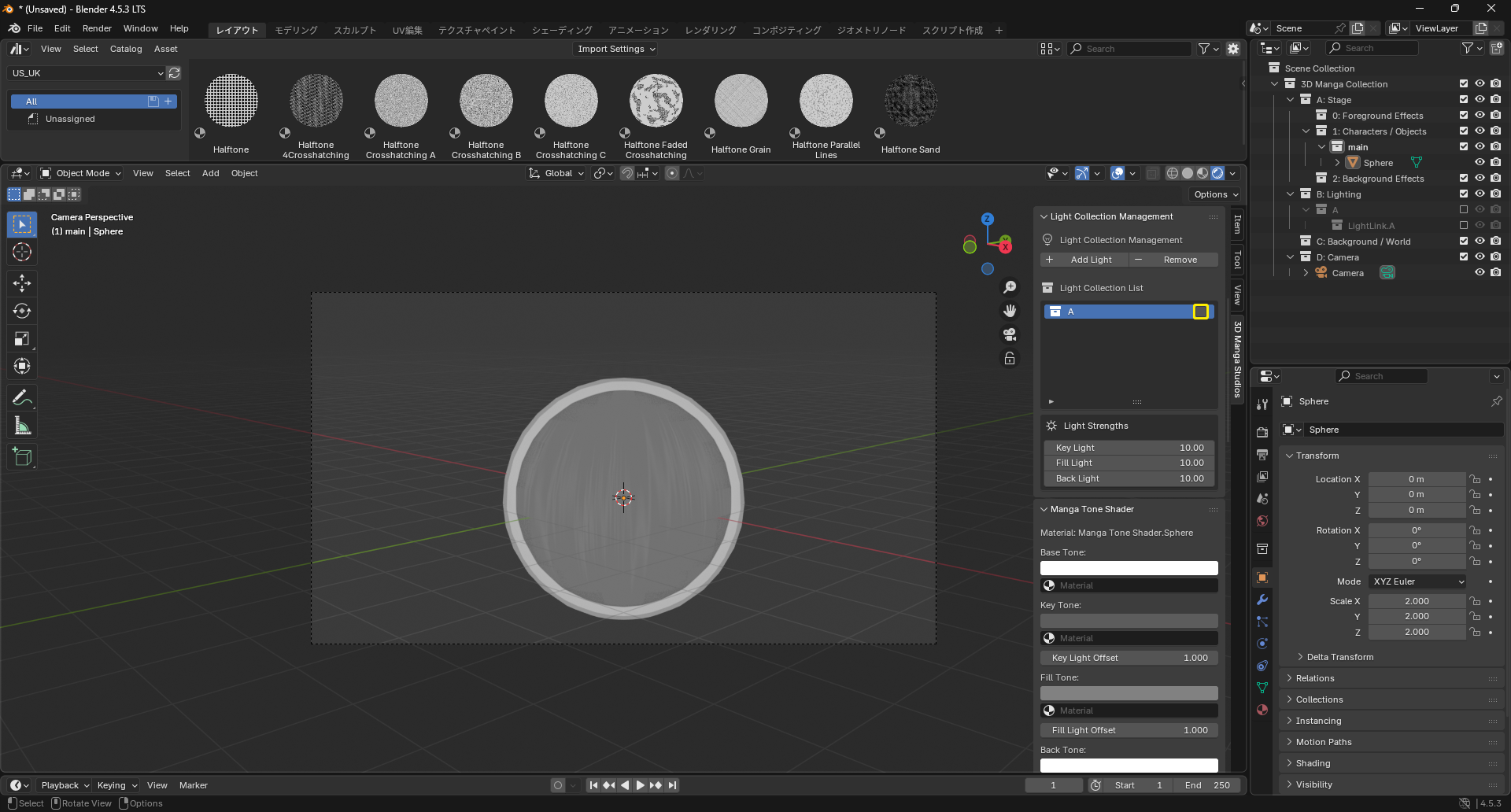
- Use the checkbox at the left of each collection to toggle its visibility. Unchecked collections are hidden and do not affect renders.
| Visible | Hidden |
|---|---|
 |
 |
Light Strength
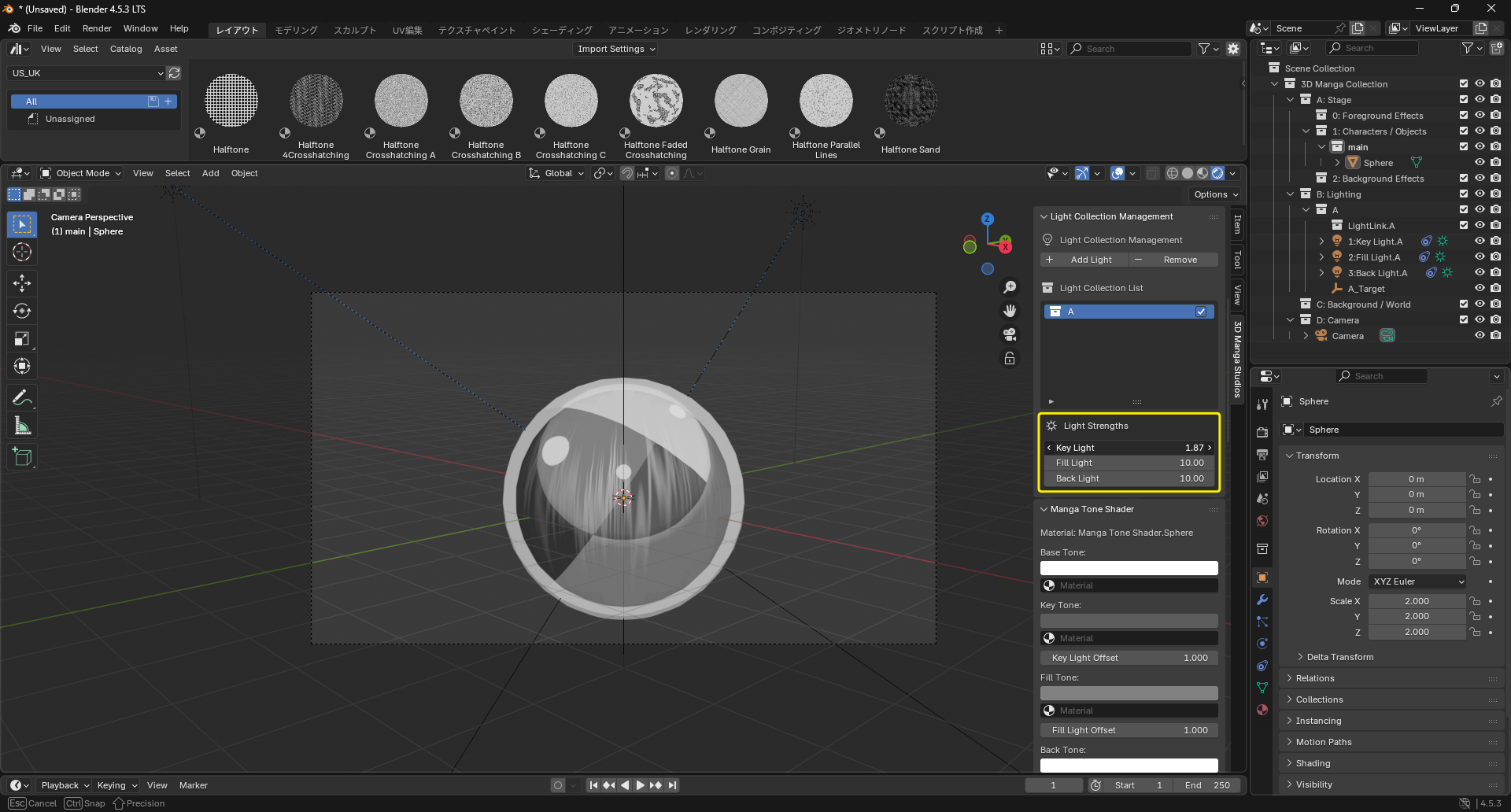
- Select the light collection to adjust from the list.
- The "Light Strengths" section appears below.
-
Adjust the sliders for Key, Fill, and Back to control the overall strength.
Remove a Light Collection
- Select a light collection in the list.
-
Click "- Remove".